10
If you want to make 3 cuts, the first cut is at 17.0”, the second cut at 15.5”, and the last
cut at 15.0”, follow the procedure as listed below:
Press
(1)+(7)+(0)+(0)+(0) (NEXT)
, the following screen appears:
Press
(1)+(5)+(5)+(0)+(0) (NEXT)
screen appears:
Press
(1)+(5)+(0)+(0)+(0) (NEXT)
and screen appears:
Press
(END)
and it will beep 4 times, then re-press
(END)
to store the program, then the
screen will change to:
If you want to start cutting, press
(AUTO)
, and backgauge will move to the first cut
position and the following screen appears:
Place your paper and make the first cut, after completing the cut, the backgauge moves to
the second cut position.
Adjust the paper for the 2
nd
cut, after completing the cut, the backgauge will move to the
3
rd
cut position.
Adjust the paper for the 3
rd
cut & make your cut, the backgauge will then “push-out”
your stack automatically. Then it moves to the first
cut position and readies itself for the
next cut cycle.
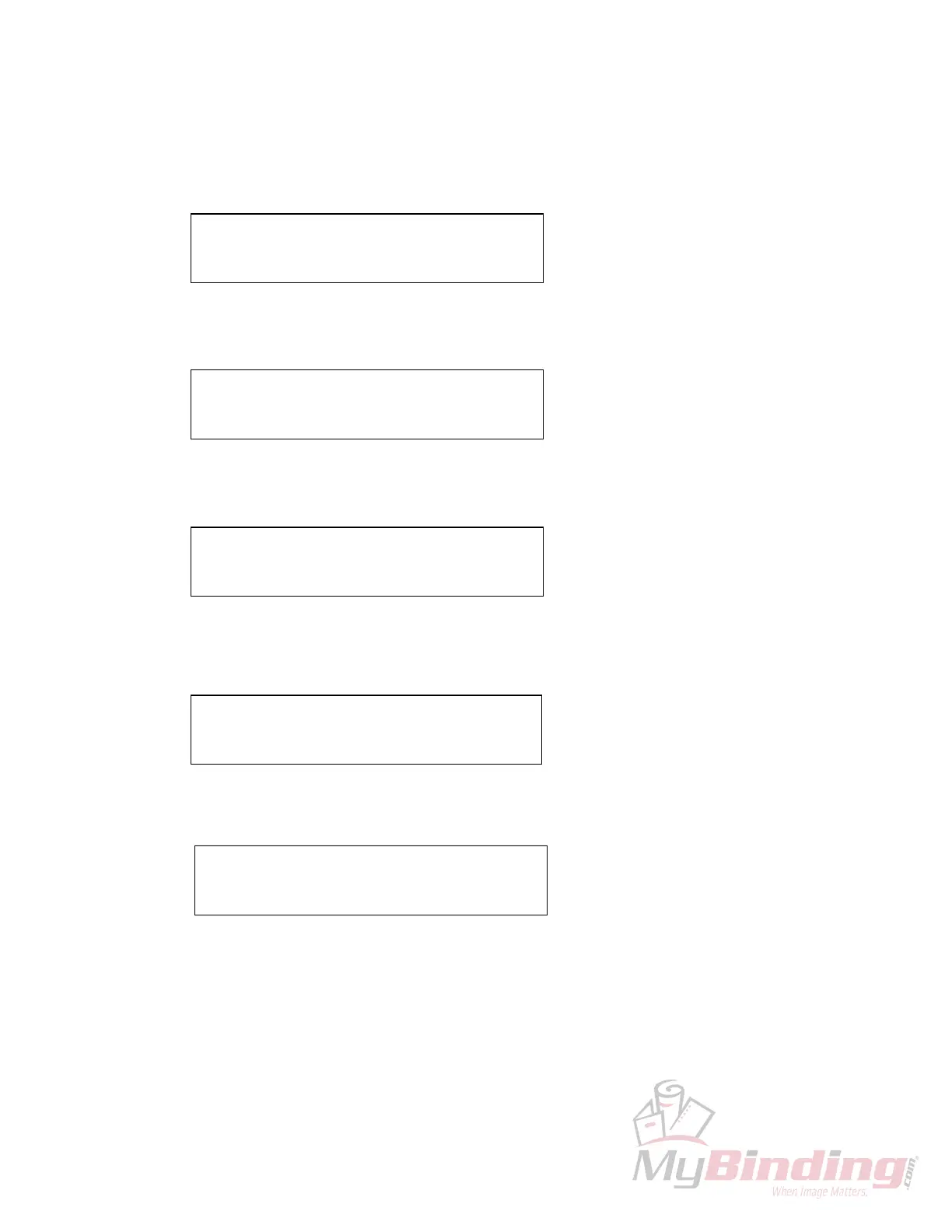
C: 26”125 PROG: 1
1: 17”000 2: 00”00
❑
C: 26”125 PROG: 1
3: 00”00
❑
4: 00”000
C: 26”125 PROG: 1
3: 15”000 4: 00”00
❑
C: 26”125 PROG: 1
1: 17”00
❑
2: 15”500
C: 17”000 PROG: 1 AUTO
1: 17”00
❑
2: 15”500








 To Next Page