9
How to use in Manual Operation:
Turn on the power to the cutter, wait until the backgauge moves back and will
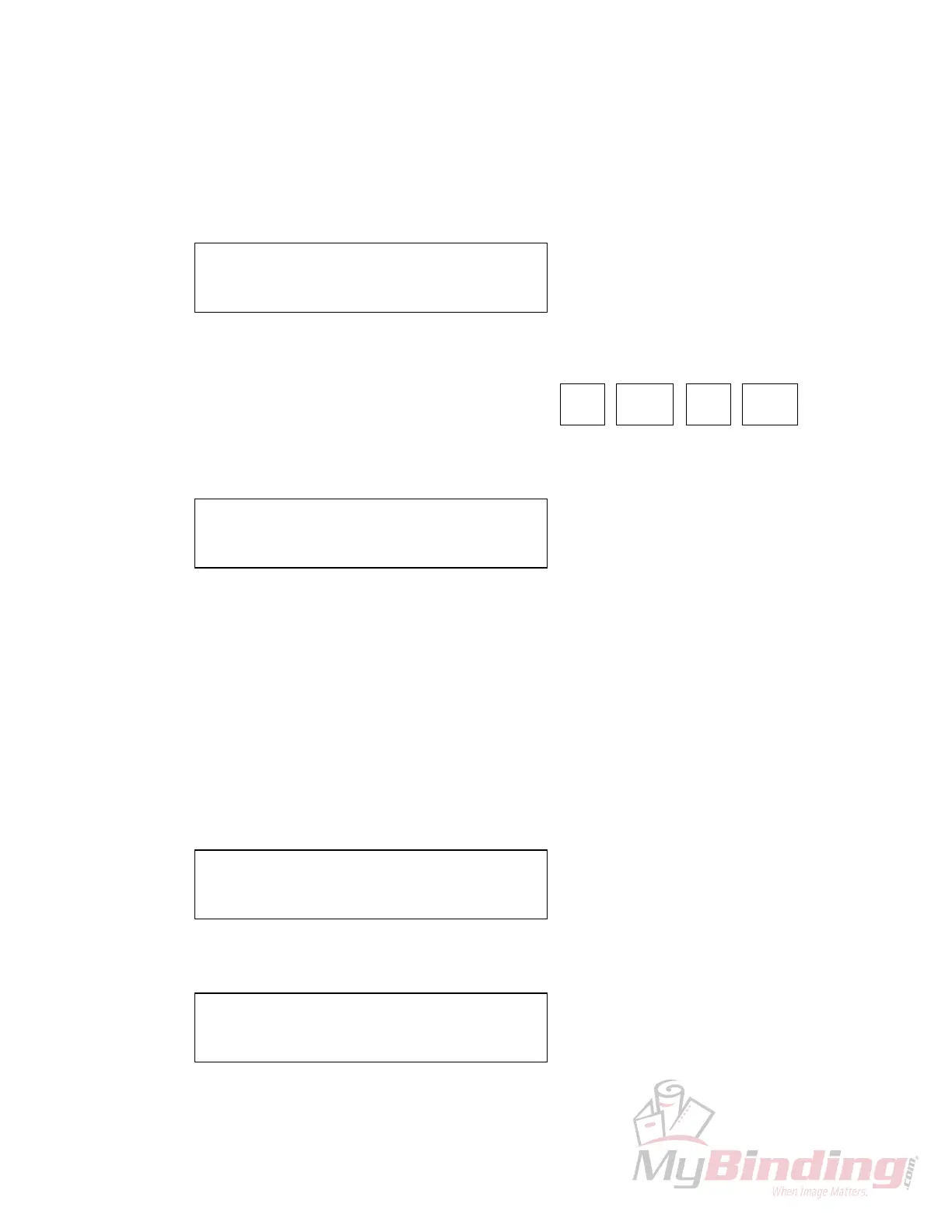
recalibrate the position and this display appears:
NOTE:
There will be a cursor (
❑
) flashing over at the last number, this is the work area.
Manual mode has two operating controls:
1) The backgauge moves with the manual keys
2)
If you press (0 - 9) entering 17000, the screen appears:
Press
(RUN),
the backgauge will move to the requested position.
Making a New Program:
Turn on the power to the cutter, wait until the backgauge moves back and will
recalibrate the position and this display appears:
NOTE:
There will be a cursor (
❑
) flashing over at the last number, this is the work area.
Select a program number from 1-9, if you press
(PROG) (1)
this screen appears:
C: 26”125 PROG: 1
1: 00”00
❑
2: 00”000
FAST
FWD
SLOW
FWD
FAST
REV
SLOW
REV
C: 26”125 PROG: 1
1: 17”00
❑
2: 00”000
C: 26”125 PROG: 1
1: 00”00
❑
2: 00”000
C: 26”125 PROG: 1
1: 00”00
❑
2: 00”000








 To Next Page