12
How to use the Cut & Store Program:
Turn on the power to the cutter, wait until the backgauge moves back and will
recalibrate the position and this display appears:
NOTE:
There will be a cursor (
❑
) flashing over at the last number, this is the work area.
Select a program number from 1-9, if you press
(PROG)+(2)
this screen appears:
By pressing
Use the manual keys
to the first cut position, say 15.0”. Then make a cut and this screen appears:
Move the backgauge to the second cut position, say 14.5” then make a cut and
the following screen appears:
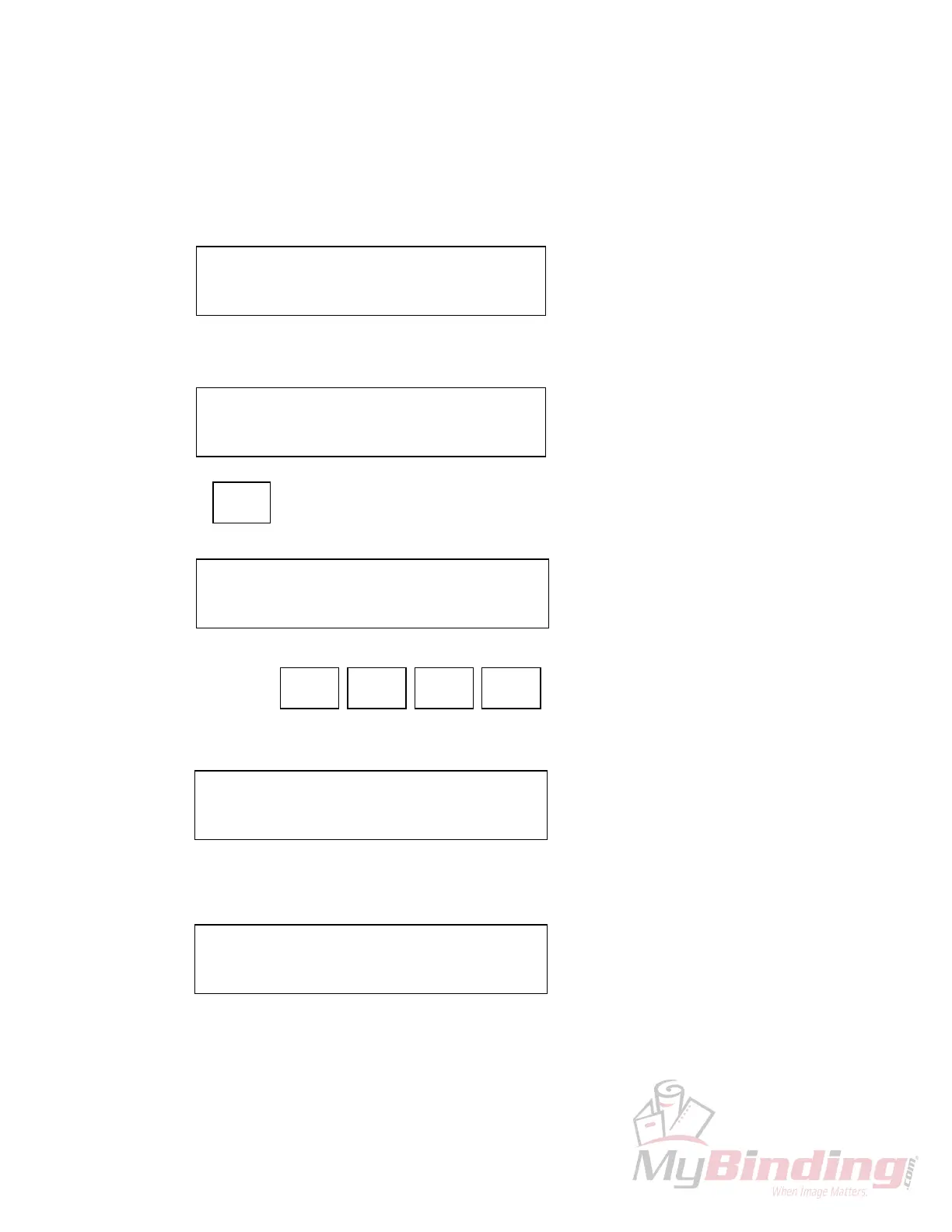
C: 26”125 PROG: 1
1: 00”00
❑
2: 00”000
C: 26”000 PROG: 2
1: 00”00
❑
2: 00”000
CUT &
STORE
C: 26”000 PROG: 2 C&S
1: 00”000 2: 00”000
FAST
FWD
SLOW
FWD
FAST
REV
SLOW
REV
C: 15”000 PROG: 2 C&S
1: 15”000 2: 00”00
❑
C: 14”500 PROG: 2 C&S
3: 00”00
❑
4: 00”000
, the following screen appears:
, to move the backgauge








 To Next Page