GXX
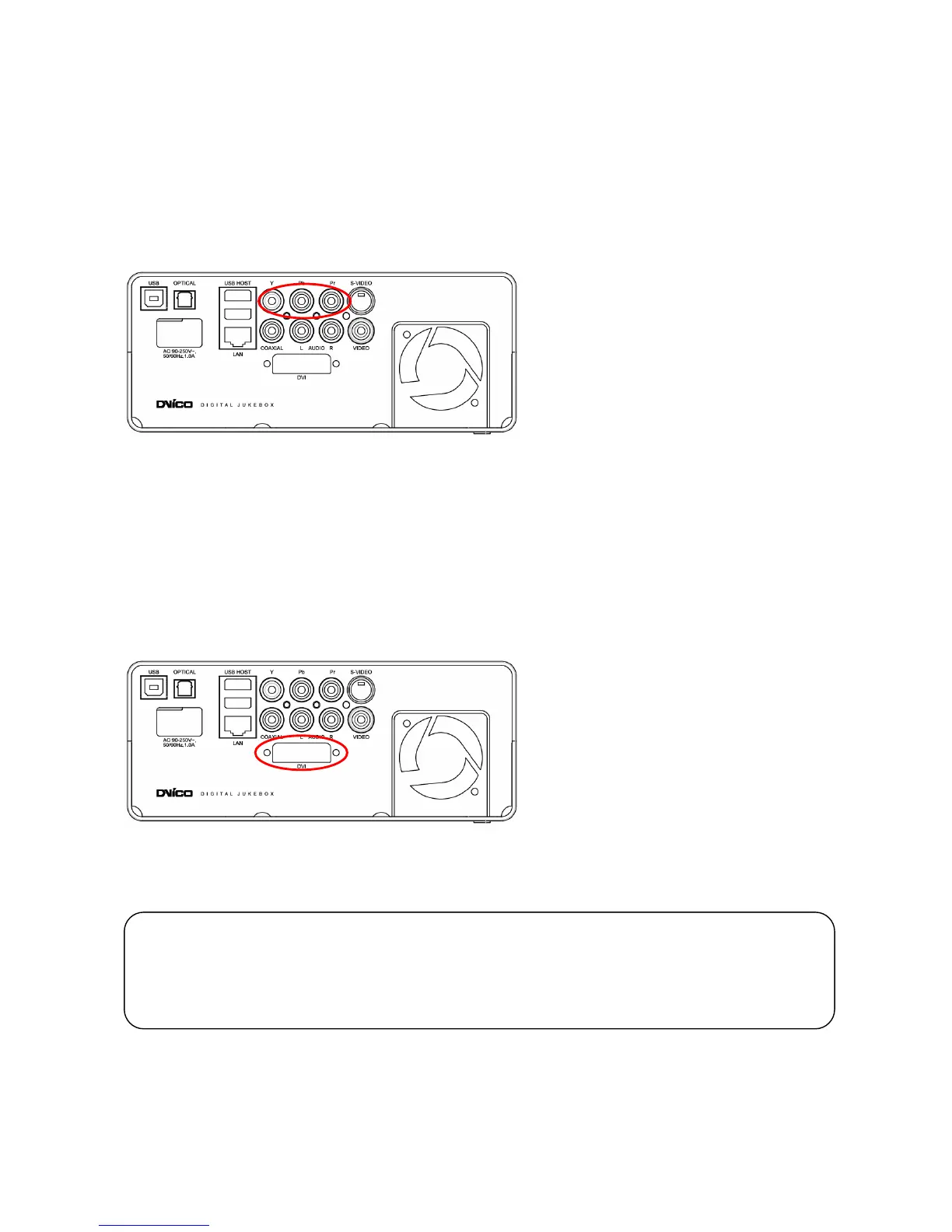
3.2.3 Connection to Component Output
Connect the TViX HD and your TV with the component cables.
Turn on the TViX HD and TV. Select an appropriate video input mode on your TV (in this case, the
Component input mode)
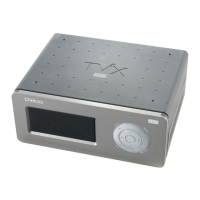
3.2.4 Connection to DVI Output
Simply connect your TViX HD to the DVI port on the TV.
However, if the TV has a HDMI port only, you need to buy a HDMI cable to convert the DVI data and then
you will be able to see the processing digital signal.
CAUTION
After you connect the video cable to your TV, press the TV Out button repeatedly on your remote control
until you get the initial TViX screen.
* The component cable is not included in the TViX and must be purchased separately.


 To Next Page