GY_
5.2 Play Audio Files
You may copy an audio file into the AUDIO folder in advance and play music files.
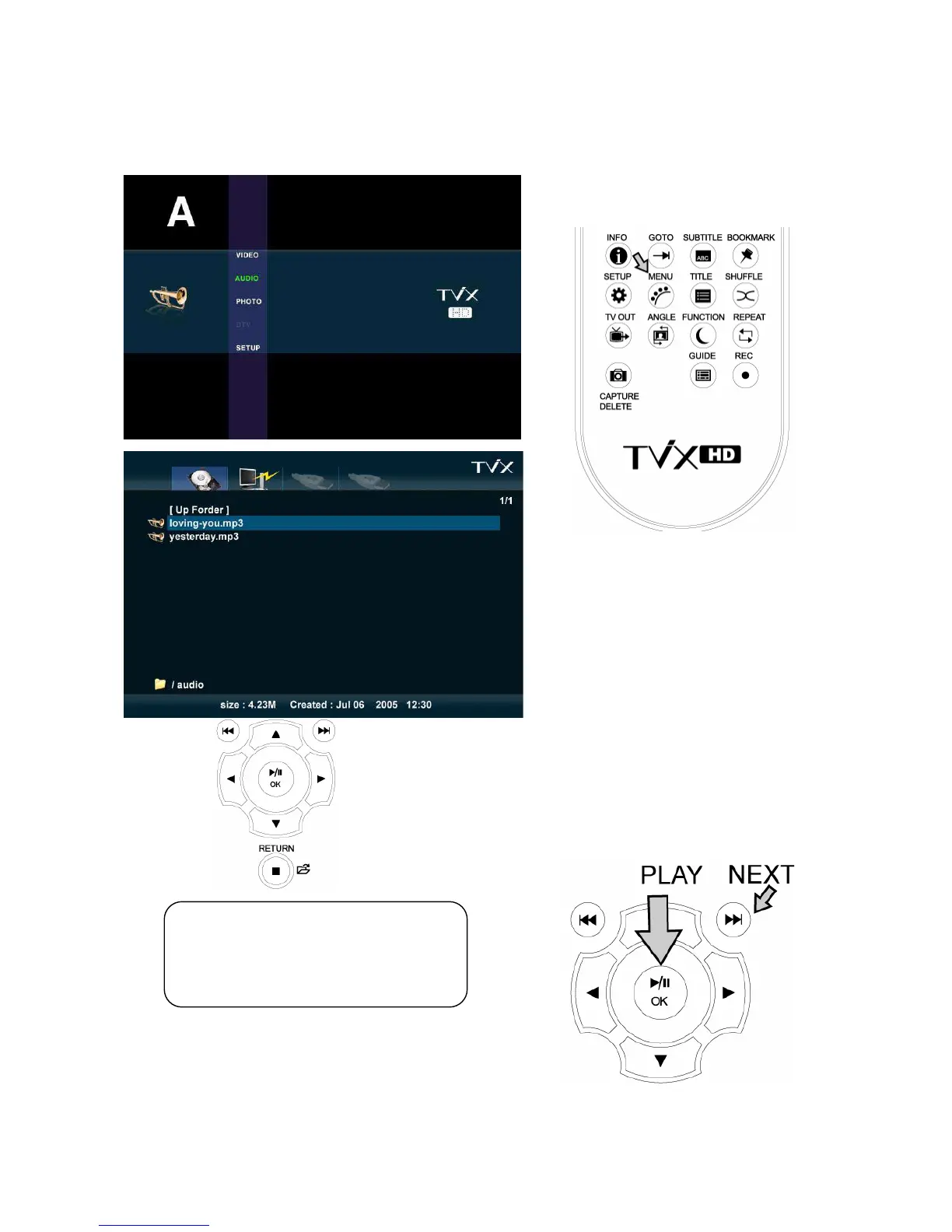
1. If you cannot see screen A, press the
MENU button on the remote control.
2. Select the Audio icon on screen A and
press the OK button.
3. You will see the audio file that you just
copied.
4. Select the audio file using the up/down
button. Then by pressing the OK button,
you can easily play the audio file.
TIPS
If you want to play the next video, press
the NEXT(ඖඖ|) button.G


 To Next Page