GXY
3.3 Audio Connection
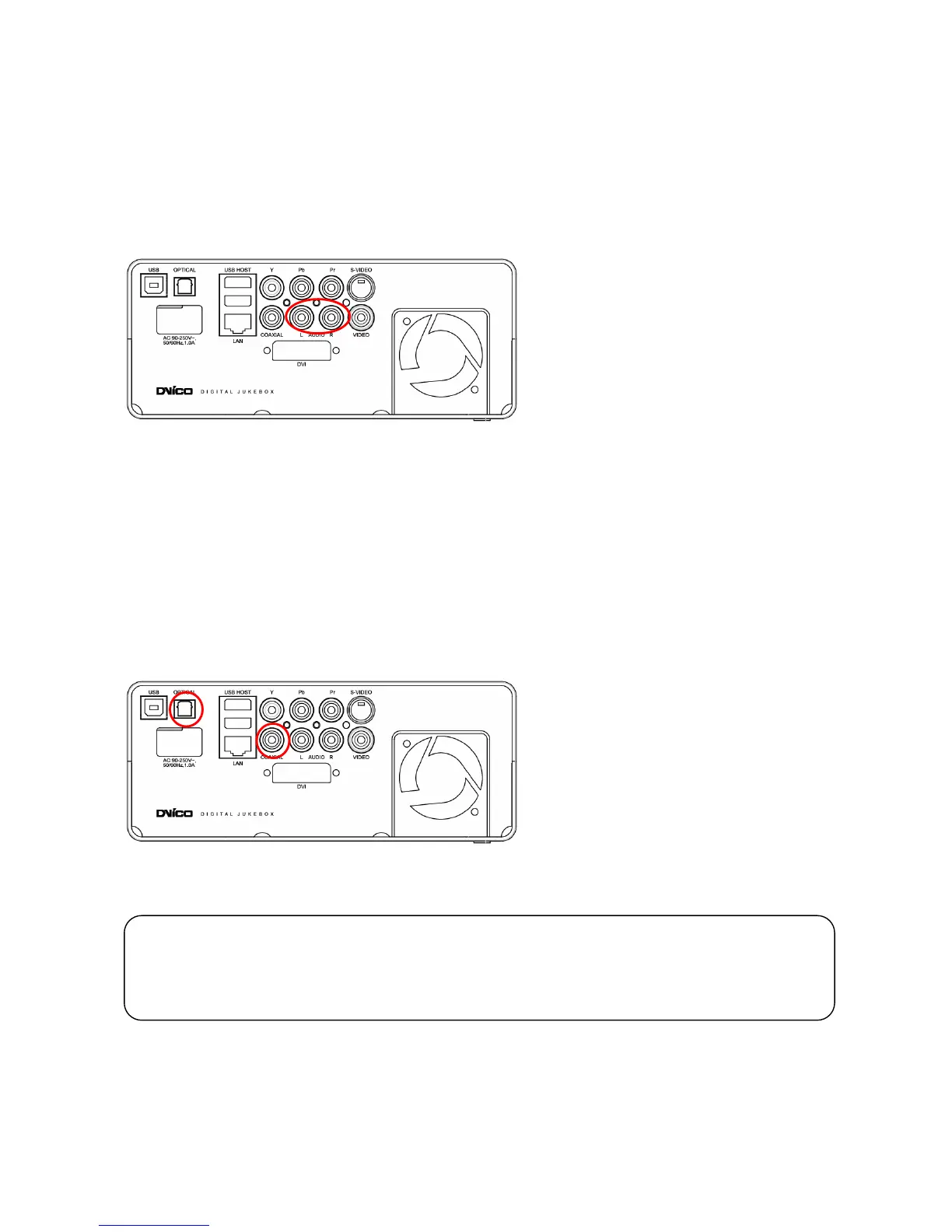
3.3.1 Connection to 2 CH Normal TV
Connect the left(white) and right(red) sound output to the appropriate terminal of your TV or Hi-Fi system.
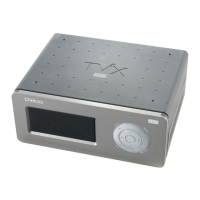
3.3.2 Connection to 5.1CH Amplifier (Digital)
If you have a multi-channel decoder/amplifier with an optical/coaxial input, you can enjoy 5.1 CH high quality
sound through the coaxial or optical cables.
The illustration on the left shows where to connect the coaxial cable. Optical cable connection is done in a
similar method.
(These cables are not included in the package and must be purchased separately.)
.
C


 To Next Page