G[_
8.2 Making a Partition and Formatting the HDDs under Windows 98SE
/ ME
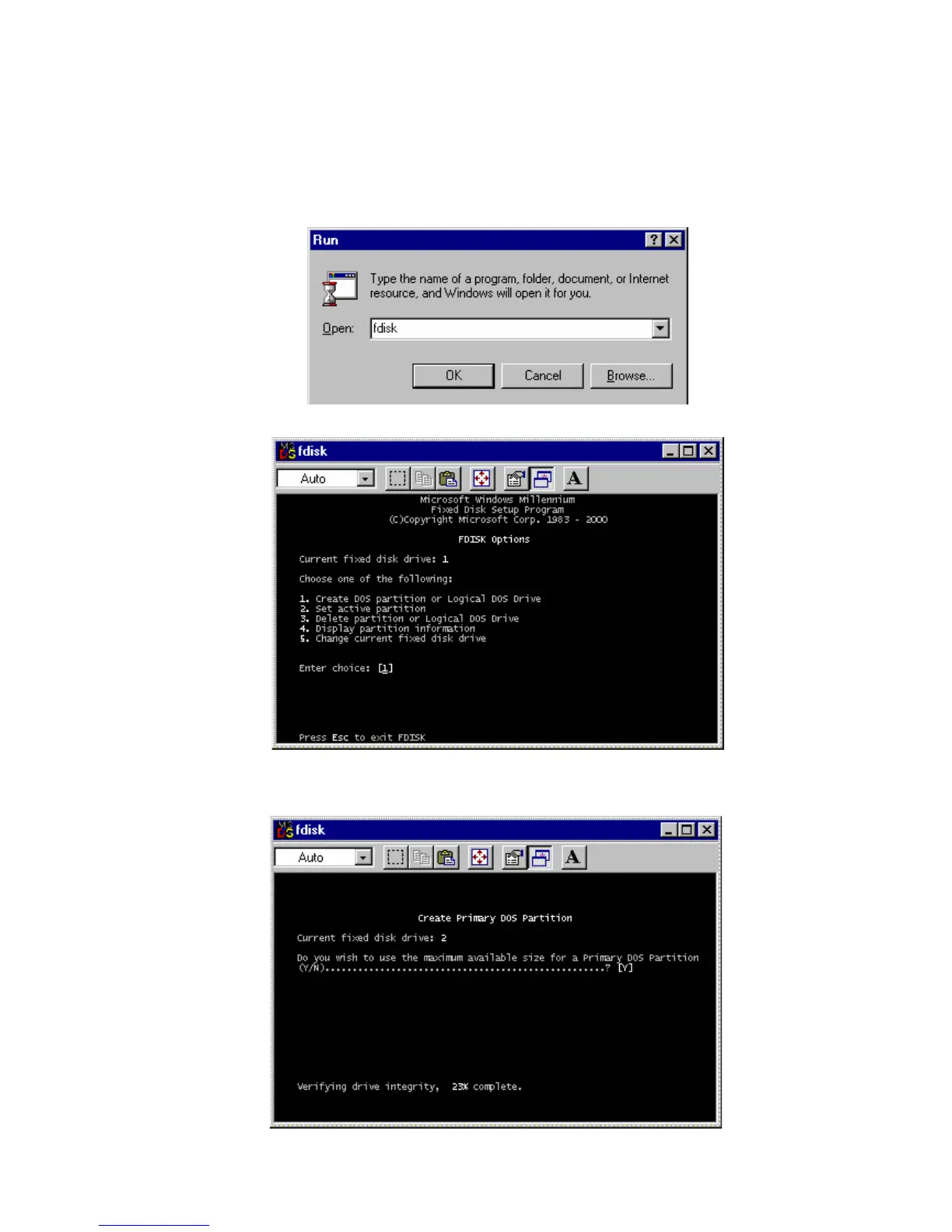
Click “Start” and select “Run” and the “Run” window will appear as shown below. Type “fdisk” in the text box
of the “Run” window and then click the “OK” button.
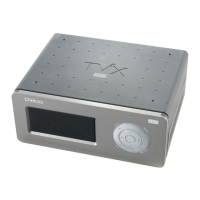
1) The following DOS window will appear for the partition program.
2) To make a new partition, choose number 5 to select the HDD in TViX HD.
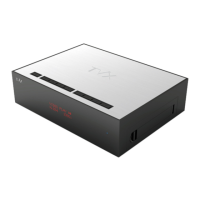
3) To make the partition for the HDD, choose the partition type and size. After selecting, make the partition.


 To Next Page