GZZ
- You can set sleep time by pressing function key repeatedly on a remote controller.
- SLEEP ON will blink for 30 second before turning off
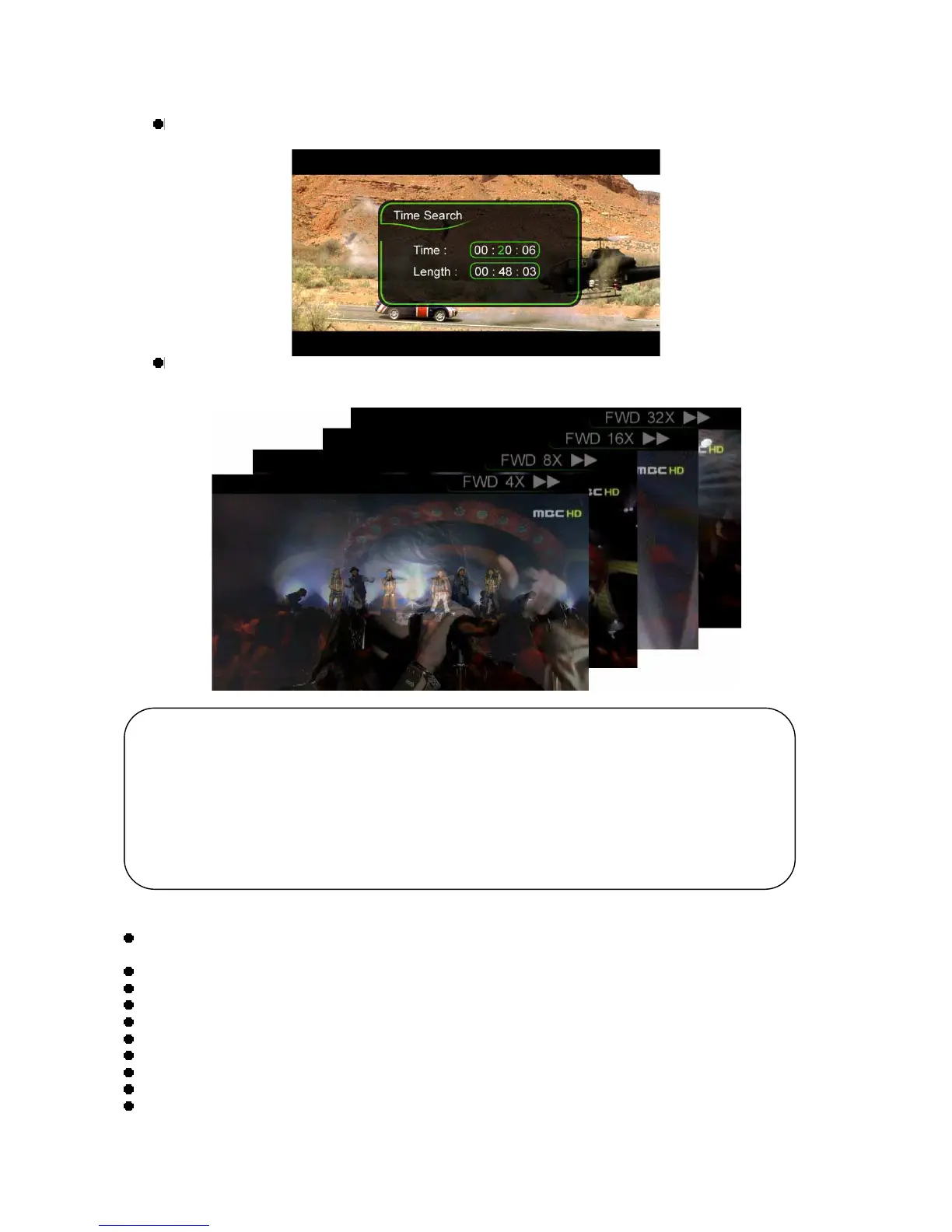
The present playing time will be displayed with the GOTO function.
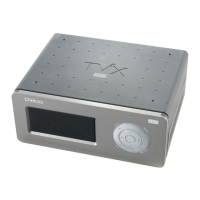
FF/REW Button
AVI : 4X 8X 16X 32X.
DVD Jukebox : 2X 4X 8X 16X 32X 64X.
* Press the VIDEO button and you can filter video files among those stored in the TViX HD.
< DVD Jukebox Key >
OK Button - When a movie is playing it operates as a play button. In the menu screen it operates as a
select button.
PAGE-DOWN - Go to the next chapter.
PAGE-UP - Go to the previous chapter.
AUDIO Button - You can change the audio. (International dubbing, DOLBY, 2CH, 5.1CH, DTS etc.)
SUBTITLE - Shows the subtitle menu.
MENU Button - Shows the DVD menu screen.
TITLE Button - Shows the DVD title menu.
ANGLE Button - If the DVD title has an angle function, you can change the angle.
GOTO Button - You can choose the time, chapter and title. After choosing you can play directly.
Number + OK - Play the chapter of the number directly.
** The operation of “PICTURE” and “VOLUME UP/DOWN” is the same for Video operation.
TIPS
* Improved to save up to eight bookmarks on eight individual files. (It cannot save eight
bookmarks on a single file.)
* Recognizes AVI, MPG, VOB, CAT, M2P video files only.
* A video file where the folder is setup with a password cannot be saved.
* When replaying the same file, only the last play position will be saved (thus, bookmarked).
* Among the bookmark list, a file deleted from the hard disk will be automatically deleted from the
bookmark list as well.
* Cannot save the bookmark list when in USB HOST or LAN mode.


 To Next Page