GZ`
6.3.2 Using Wallpaper
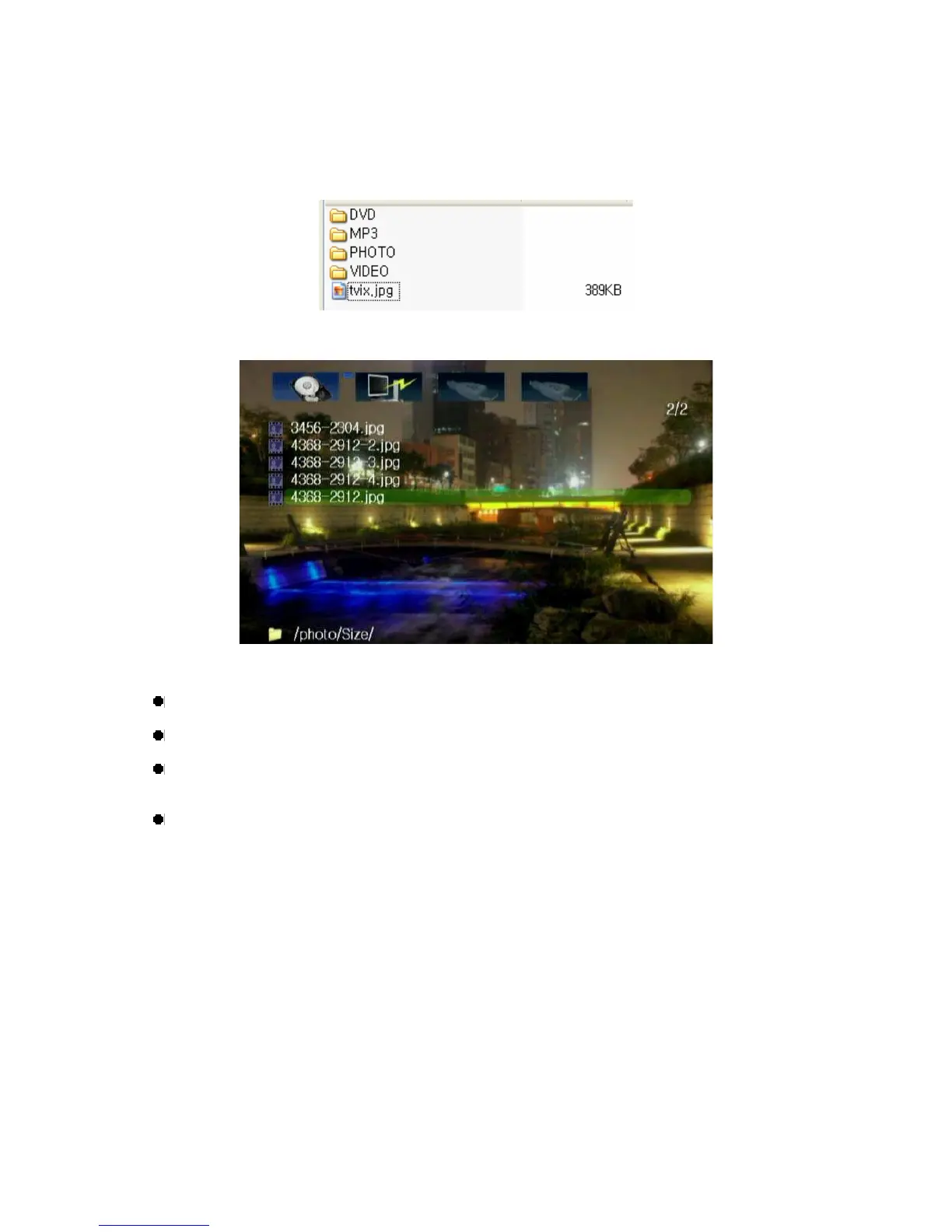
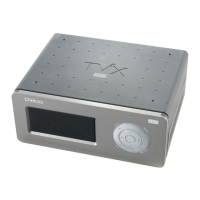
If you put a JEPG file named "TViX.jpg" under the folder which you want to change the wallpaper, the
wallpaper of the folder will be changed.
You can select any wallpaper you want by using the various JPEG files of different folders.
<Tips>
If you want to change the basic wallpaper, put a JPEG file named tvix.jpg under the Root directory.
720*480 pixel is recommended for the size of the wallpaper.
In Windows XP, when you name the JPEG file, “Hide extensions for known file types” should be
unchecked in the Tool-Folder Option-View-File/Folder. Otherwise the JPEG file could be named as
tvix
.jpg.JPG and you would not be able to see your desired wallpaper.


 To Next Page