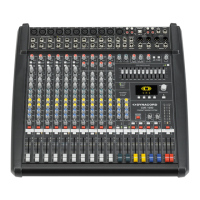
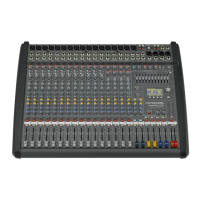
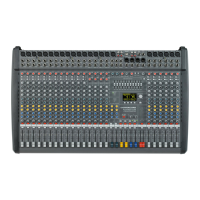
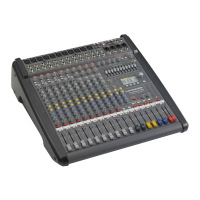
CMS
3
31
MONITOR MIX
1. Set the MON fader located in the master section to
the -5 dB mark.
2. Set the MON controls of all input channels accord-
ing to your personal taste.
3. Use the FX 1/2 to MON control to add the effect mix
to the monitor mix, without influencing the master
mix. Normally, the monitor mix needs less FX than
the master mix.
F
INE TUNING
Let the artists perform and check the sound of the system
from different angles and distances. If you come to the
conclusion that some corrections in the overall sound im-
age are necessary, use the 9-band equalizer and match
the sound to your liking. By doing so, you should keep in
mind, that during the performance the sound is going to
be altered because the audience is present, which has a
major effect on the acoustical condition of the location,
the degree of first reflections, and the absorption of low
frequencies. If possible, you should check the “sound in
the house” during the performance and – if necessary –
adjust it to the changed conditions.
And for the rest, we like to wish you lots of fun and suc-
cess with your new CMS mixer.


 To Next Page