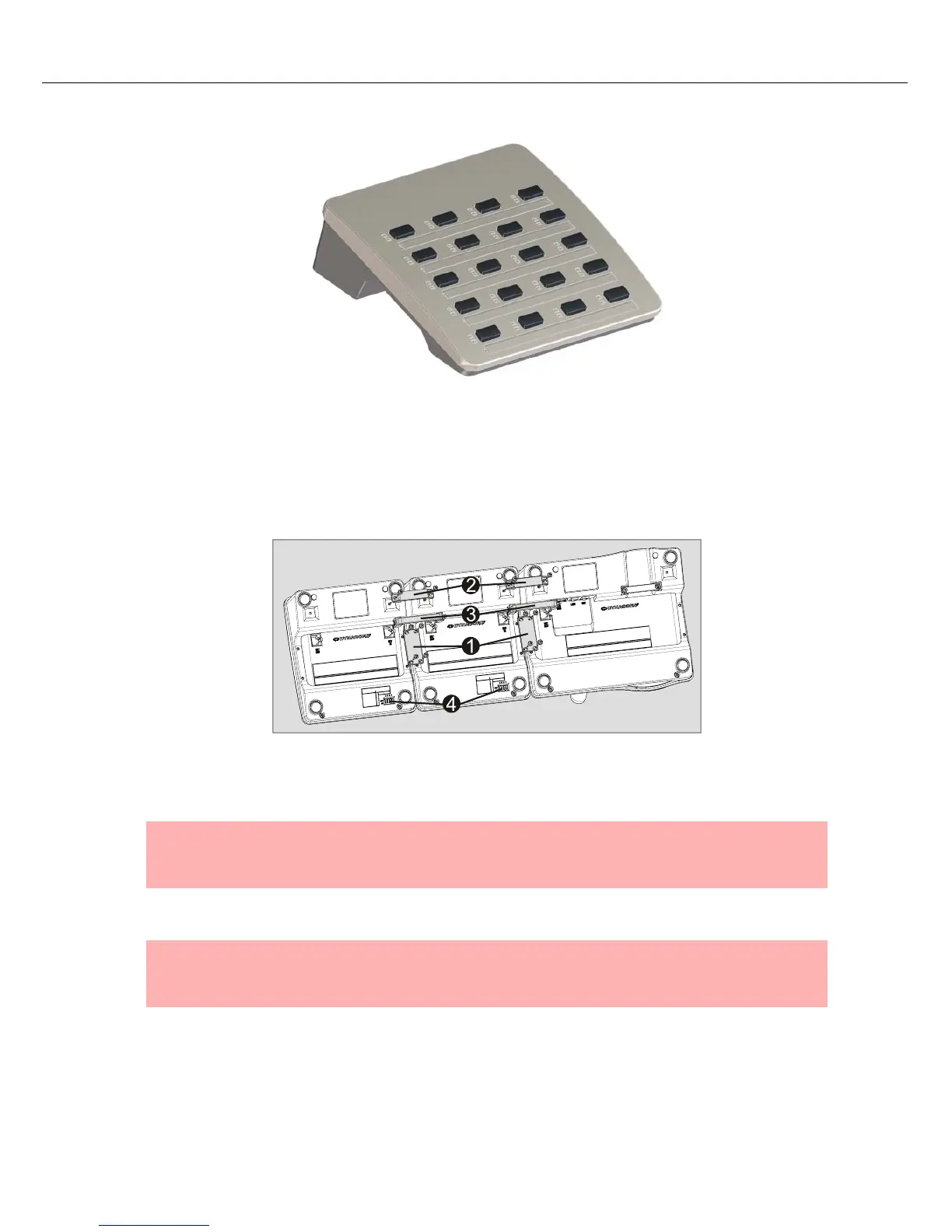
Paging Console
20 Owner‘s Manual
attached extensions the paging console is usable as desktop version as well as mounted in consoles/
racks.
Installation
1. Disconnect paging console
2. Put paging console and paging console extension side by side and upside down. (the illustration below
shows the installation of two DPC 8120 to a DPC 8015)
3. Connect EXT ports of paging console and paging console extension using the connection wire (3) (the
connector has to snap into the port)
4. Assign a unique address to each paging console extension using the EXTENSION ADDRESS dip
switch (4).
5. Reconnect paging console
6. Configure paging console extension using IRIS-Net PC software
NOTE:
If more than one paging console extension are used, ascending extension addresses
(1...5) must be assigned from left to right.
NOTE:
If a DPC 8120 is replaced the same EXTENSION ADDRESS must be assigned to the new
DPC 8120.


 To Next Page