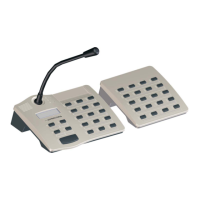
Paging Console
8 Owner‘s Manual
2.1 Indications
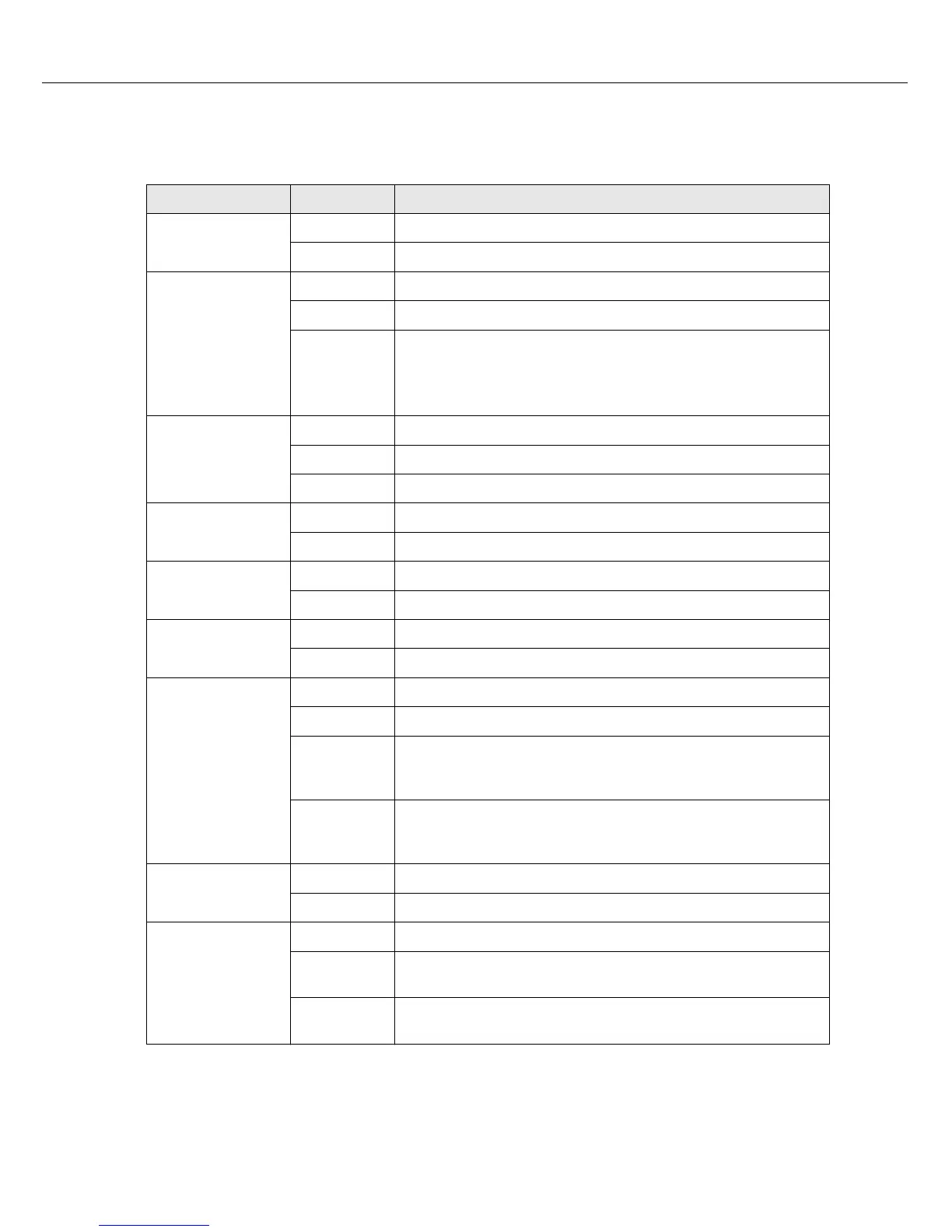
The following table provides you with an overview of the most important LED-indications.
LED Status Description
Selection (green)
off No group or area selected
lights green Area or group selected / special function activated
Selection (yellow)
off Group or area available
flashing Group or area busy (alarm signal)
on
• Operation mode: Group or area busy (alarm signal or back-
ground music is not indicated)
• Program assign mode: Background music assigned to group
or area
ON (
n)
off System is OFF (stand-by mode)
lights green System is ON and ready for operation
blinks green System has been turned on and is booting (initialization)
PROGRAM (
p)
off Paging console is in message mode or setup mode
lights green Paging console is in program assign mode
STOP (ESC)
off No signal can be stopped
lights green Pressing the STOP button aborts a signal
ALL/CLEAR (DEL)
off No collective call selected
lights green Collective call pre-selected
TALK (
)
off Selected groups or areas not busy, clear for call
on During own message
slow blinking,
green
Low priority paging station launches a call in selected areas;
interruption on cost of the momentary microphone terminal is
possible
fast blinking,
green
System is busy with a higher priority transmission (message,
gong, alarm), interruption is not possible, already launched call is
interrupted by events with higher priority setting
POWER
off Power supply is deactivated/broken
lights green Power supply is activated
FAULT
off PROMATRIX 8000 system ok
lights yellow A fault exists in the PROMATRIX 8000 system, see LC-display
for details
blinks yellow A new fault occured in the PROMATRIX 8000 system, see LC-
display for details


 To Next Page