14 CA 252/302/402 M252EN6
EVERY 10 HOURS OF OPERATION (Daily)
Brake function – Check
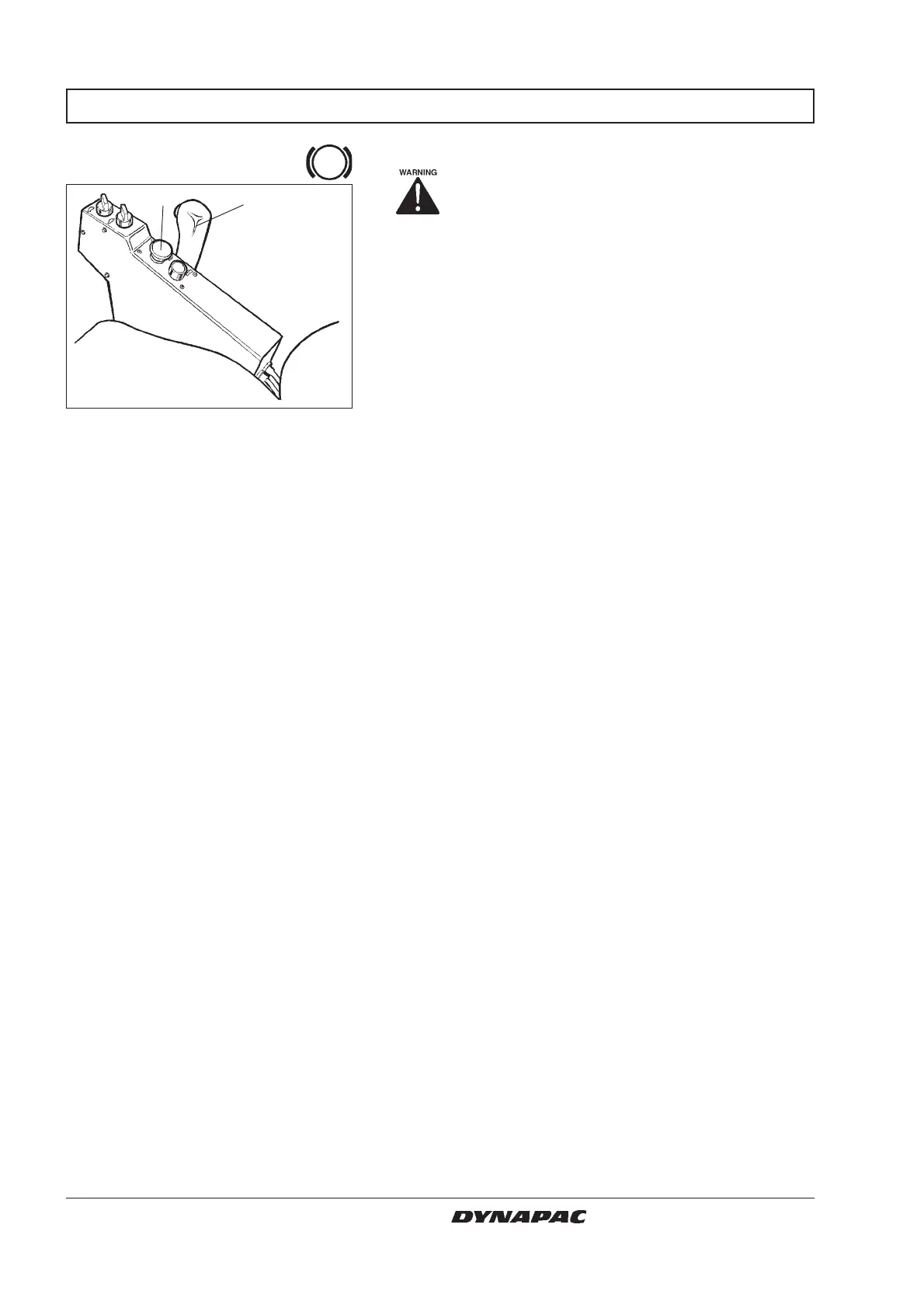
Fig. 11 Control panel
1. Reserve/parking brake knob
2. Forward/reverse lever
12
Check operation of the brakes as follows:
Drive the roller slowly forward.
Push the reserve/parking brake knob (1); the warning
lamp on the instrument panel should light and the roller
should stop.
After testing the brakes, set the forward/reverse lever
(2) in neutral.
Pull up the reserve/parking brake knob.
The roller is now ready for operation.



 To Next Page