Placing the monitors
Dynaudio Professional AIR reference manual – 2014-09-28 50
General considerations:
symmetry
Basically it is preferred to establish a loudspeaker
layout that provides an adequate and equal left/right
image. The basis for this is symmetry – meaning that
the distance to the left and the right monitor should be
identical and that (unless you are monitoring in the near
eld) the distance from the left and right monitor to the
respective sidewall should be identical, and the side-
walls should be identical.
The AIR System offer tools for compensation – but
whenever possible, symmetry should be established.
Monitor
Listening
position
Monitor
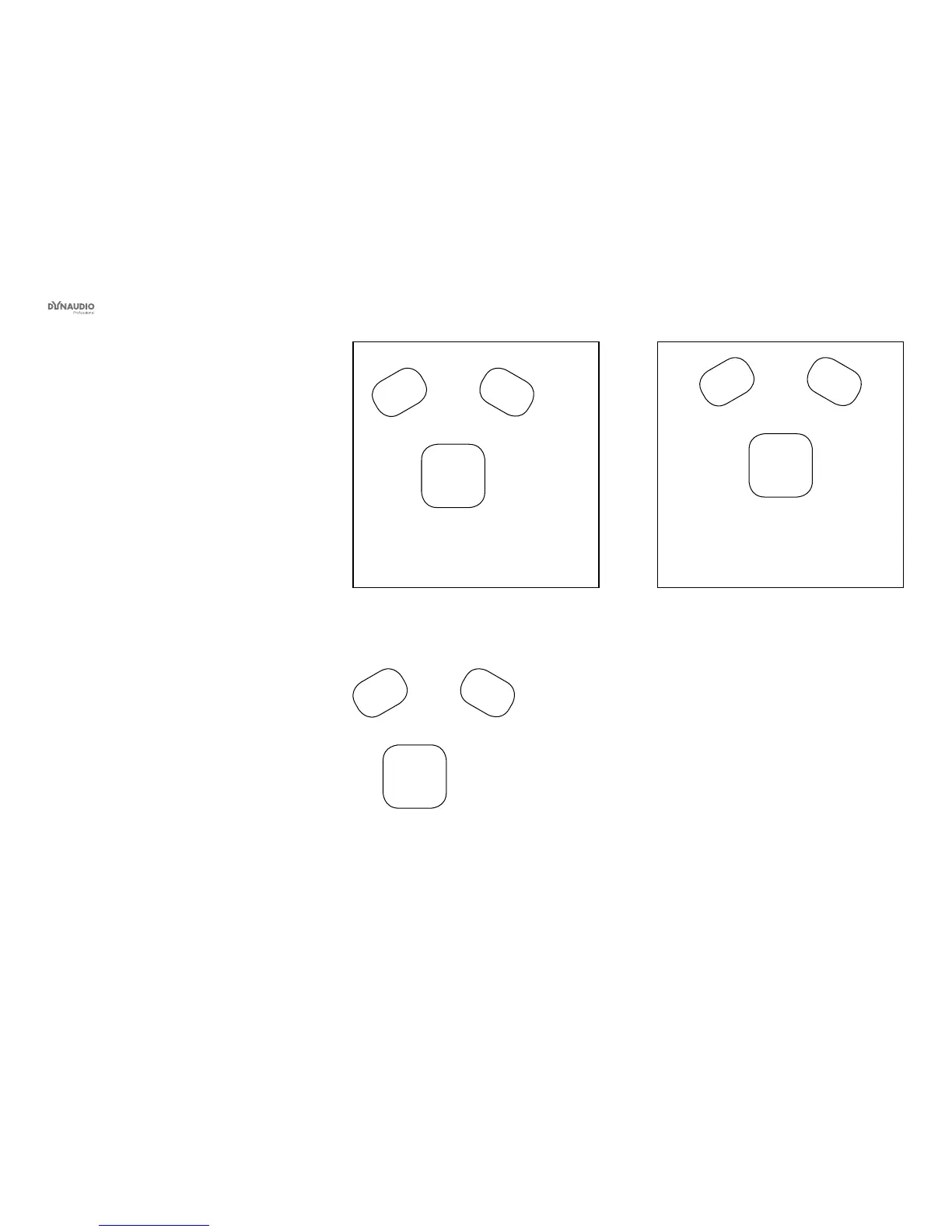
Fig. 26: Asymmetric position (should be avoided):
Distances to left and right wall not identical
Monitor
Listening
position
Monitor
Fig. 27: Asymmetric position (should be avoided):
Distance to speakers not identical
Monitor
Listening
position
Monitor
Fig. 28: Symmetric position (recommended)



 To Next Page