Cables
Dynaudio Professional AIR reference manual – 2014-09-28 84
Balanced audio cables
Standard balanced audio cables are used to connect
audio sources to the analog audio inputs of the System
controller monitor.
►
Cable type: 110 Ohm
►
Connector type: XLR
Connector 1 Connector 2
Pin 1 Pin 1 Ground
Pin 2 Pin 2 Hot
Pin 3 Pin 3 Cold
Custom serial to
CAT 5 cable
The Serial to Cat-5 cable is part of the Air Cable pack-
age, which can be obtained from the TC Electronic
Store (item number 995282002):
►
store.tcelectronic.com/
This is a proprietary cable with built-in electronics for
use with AIR Systems only. Use this cable to connect
your computer running AIR Control software to the Sys-
tem controller monitor.
For more information, see “Setting up AIR Control soft-
ware” on page 69.
Do not use an off-the-shelf Serial to CAT 5 cable/adapt-
er for this connection as it will not work.
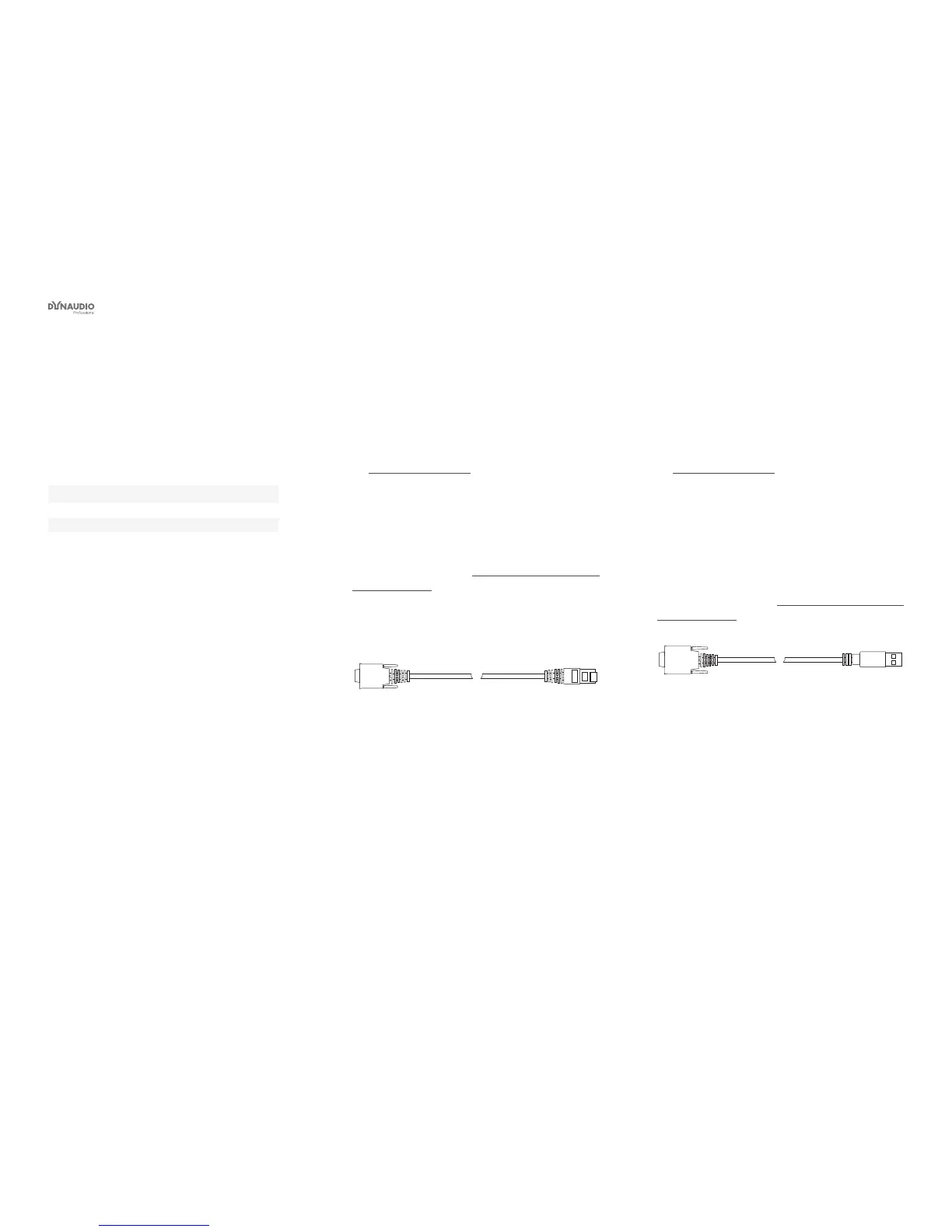
Fig. 55: Serial to CAT-5 cable
USB to COM 9
pin adapter
The Serial to Cat-5 cable is part of the Air Cable pack-
age, which can be obtained from the TC Electronic
Store (item number 995282002):
►
store.tcelectronic.com/
The USB to COM 9 pin adapter is part of the Air Cable
package.
Use this adapter in conjunction with the Serial to CAT 5
cable described above if your computer has USB ports,
but no serial port.
For more information, see “Setting up AIR Control soft-
ware” on page 69.
Fig. 56: USB to COM 9 adapter



 To Next Page