Using Your D3
D3 Pilot’s Guide 4-9
Battery Charge Level is depicted in the upper right corner of the display. The red exclamation
point that signals that the device is not charging may appear if the D3 is operated at extreme
temperature or if there is some other problem with the battery or charging circuit.
Figure 13 - Battery Charge Level / Charging External Power Source / Not Charging Icons
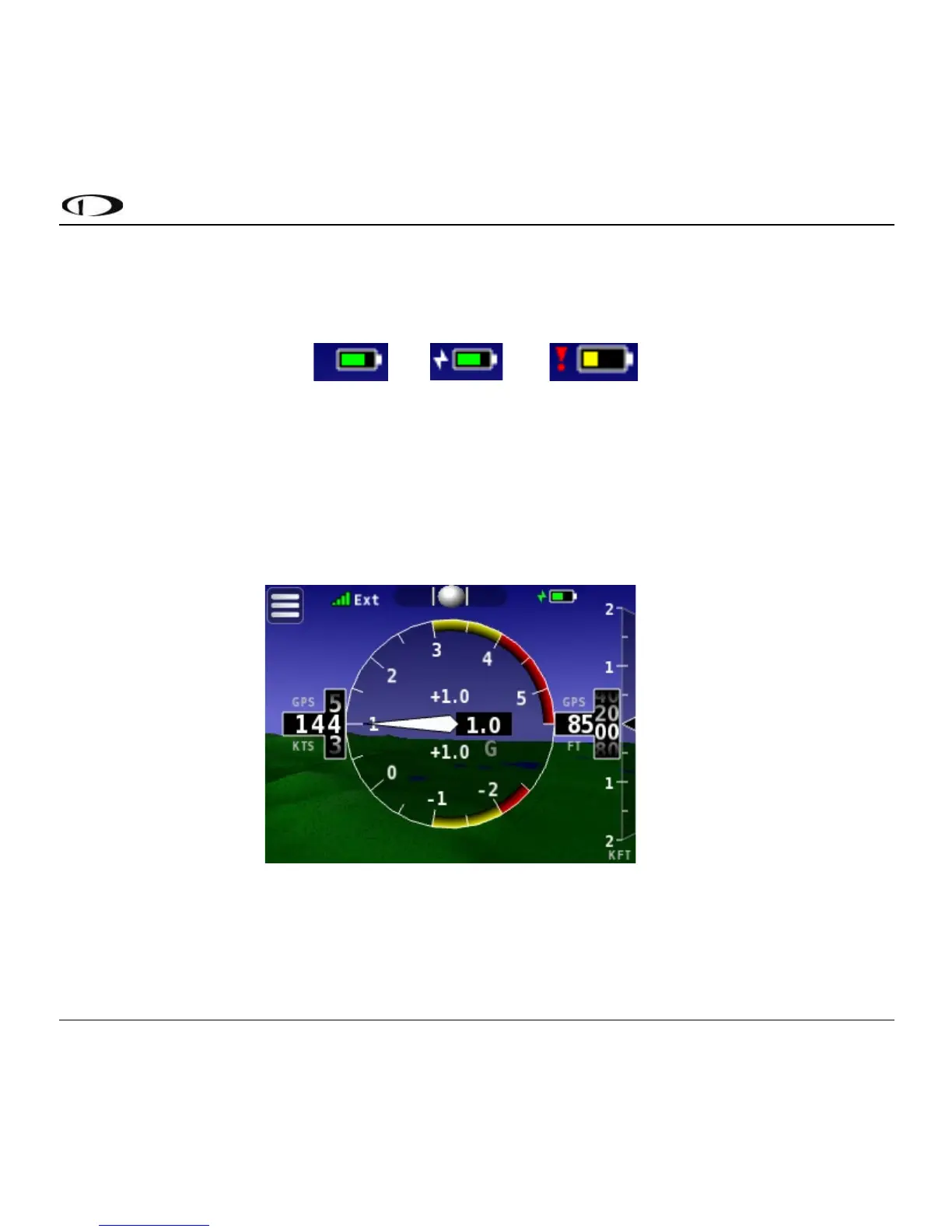
Load Factor (G Meter) can be depicted instead of attitude by swiping left or right across the
screen. Gs are determined by internal accelerometer sensors and are displayed as an analog-style
gauge. Configurable settings (under Menu > Settings > G Meter) are provided for the color coded
(red/yellow) ranges for both positive and negative G loads.
Figure 14 - G Meter



 To Next Page