DYON SMART 43 VX
29
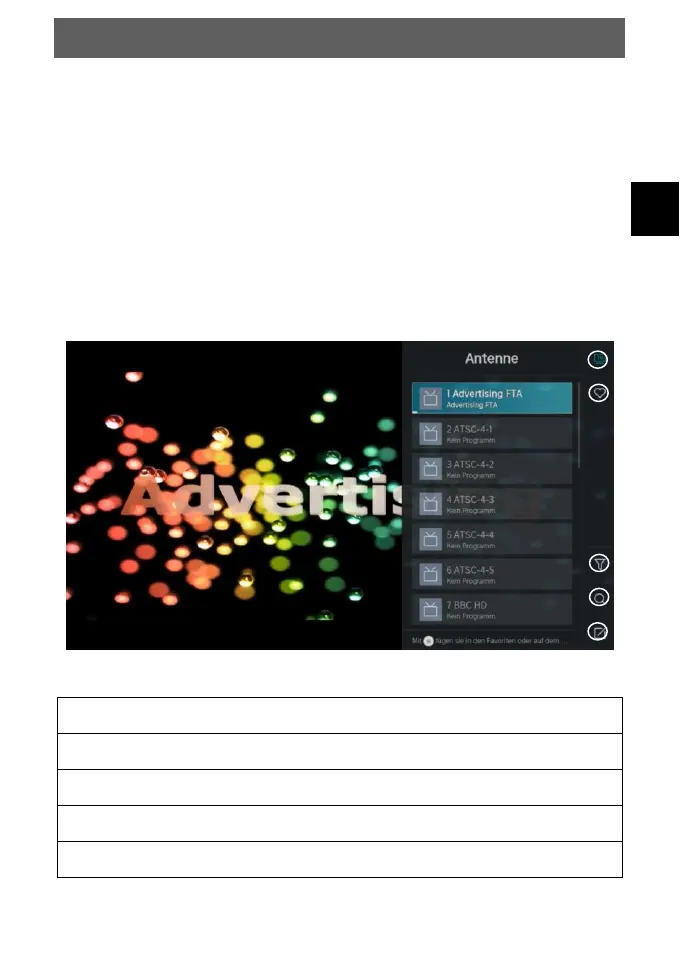
10.3 Channel list
In a TV mode, press the CH.LIST key or the OK key to open
the channel list.
Select programmes using the / Keys.
Press the OK button to switch to the selected programme.
Press the EXIT button to exit the list.
Advanced functions
In a TV mode, press the CH.LIST key and then press the key
to enter the advanced functions.
Overview of the individual functions in the channel list



 To Next Page