DYON SMART 43 VX
31
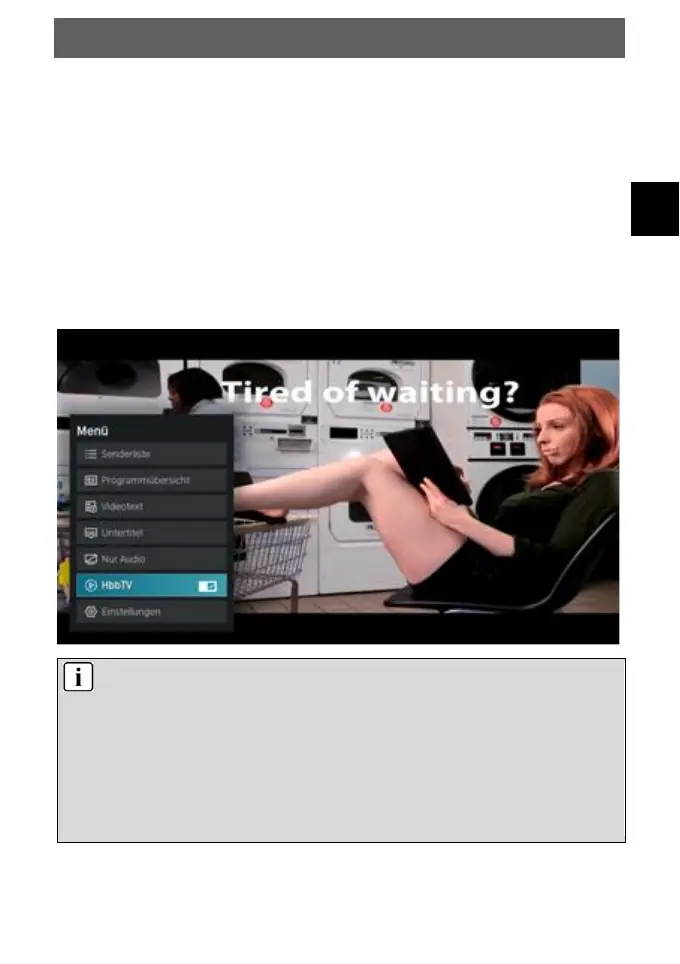
10.4 HbbTV Funktionen
Many digital channels offer further additional information that
can be displayed if an Internet connection is available.
First select the channel whose HbbTV function you want to use.
Press the red button on the remote control to open the function
overview of the respective channel.
Verwenden Sie die // Tasten und die OK Taste zur
Navigation in den Menüs und zum Öffnen der Elemente.
Note
Availability and content depend on the channel.
The function can be deactivated in the menu. In the
event of a malfunction, the function is automatically
deactivated. If necessary, activate HbbTV again via the
menu key.



 To Next Page