Page 15
6.0 KWh Meter Features & Functions
6.1 KWh Meter Display Features
Normal Mode (kWh Reading)
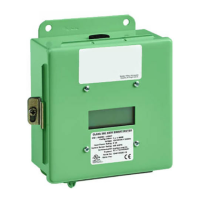
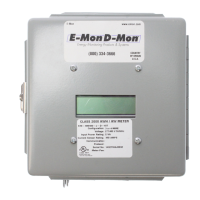
The Class 1000 kWh meter display requires no multiplier and shows kilowatt-
hours consumed. See section 6.2 for information on calculating cost based on
kWh usage.
KW Load Mode (Current Load in kW)
Pressing the “UP” button on the meter display board will switch the display to the
Load mode and will show the present load in kW (kilowatts). (Allow 6 seconds
for correct reading to stabilize.) This feature is useful to the consumer as it
shows the actual load on the meter and can be valuable in showing the effects
of large loads-such as air conditioning, electric hot water heaters, and electrical
appliances on power consumption. Pressing the “UP” button again returns the
meter display to normal mode.
Test Mode
Pressing the “CPU” button on the meter display board will cycle the display
through the test mode. The two screens below will be seen.
The fi rst screen activates all the digits and icons on the display. This is to verify
that all segments on the display are functional.
The second screen will show the amp rating of the meter. The fi rst digit (on the
left side of the dash) will always be zero on the kWh meter. The four digits on the
right side of the dash indicate the amp rating.
Upon completion of the cycling, the meter will return to the normal display mode.
When the meter is fi rst energized it will automatically cycle through the test
screens.


 To Next Page
 Loading...