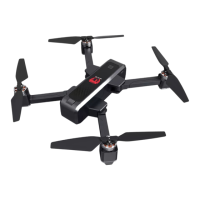
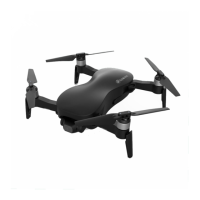
EX4 Operation Manual
---25 ---
Method 2: one key takeoff
Tap ,it will pop up with a confirmation notice on the screen.
Tap "OK", and the propellers will speed up its rotation and the aircraft will take off.
Please stay away from the aircraft during its takeoff.
Flight Control via APP
After takeoff, control the flight of the aircraft as shown。
Mode 1
Mode 2)
Gravity Sensor Control
Tap “ “ to open gravity sensor mode. User can control the aircraft to move forward, backward,
or to the left and right by tilting the phone forward, backward, left, and right. Tap this button again
to cancel the gravity sensor mode.
This feature relies greatly on mobile phone performance, so please use this feature cautiously!!!


 To Next Page