EC5000
- 34 - - 35 -
EC5000
Operation Keypad Panel
Operation Keypad Panel
4
4.1.2 LED Keyboard Panel Operation Process
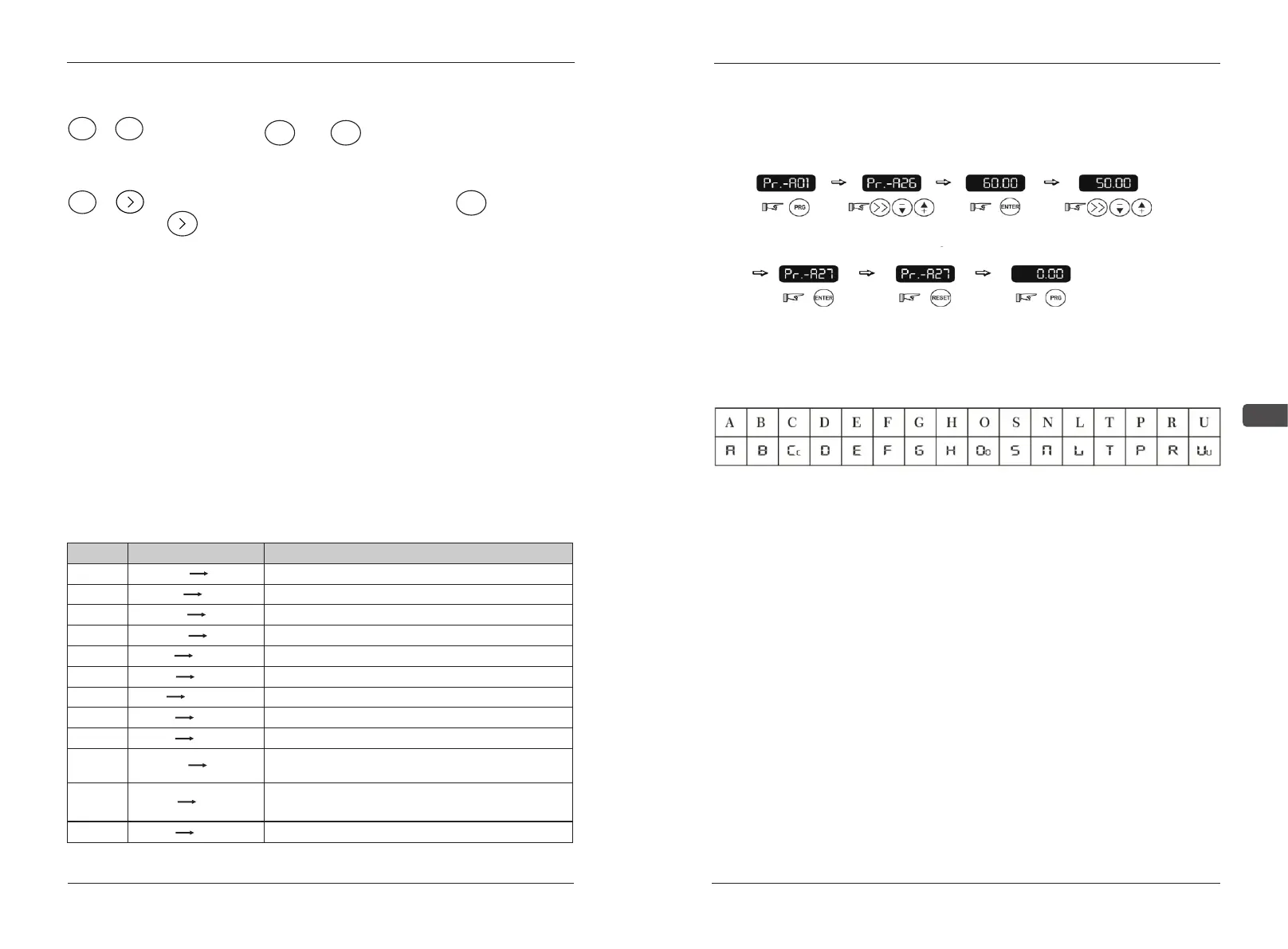
Functions of key combinations:
STOP + ESC :
STOP + :
Hold down the STOP and ESC keys at the same time to LOCAL
(LOCAL) and REMOTSwitch between (remote).
In the state of LOC panel, hold down the STOP key and the
key to enter or exit the JOG state.
Rotate the knob of encoder in the initial interface to set the required frequency.
LED Keyboard frequency setting
Monitoring content switching:
In the monitoring content screen, press the key ENTER to switch the
monitoring parameters. When typing, the code of the monitoring parameters
will be displayed first.
PID 0.000
The current value of the closed-loop feedback
Actual frequency output value
Actual frequency setting value
Actual voltage output value
Actual current output value
Actual power output value
DC current voltage inside AC drive
AC drive radiator temperature
S1-S8 outside terminal input, 1valid, dark invalid
Y1-Y4 outside terminal output, 1 valid,
dark invalid
AC drive
time(select by Pr-C31)
total running or in power
Control panel edition
NO.
0
1
2
3
4
5
6
7
8
9
10
11
LED dispaly
F-OUT 50.00
F-SET 50.00
V-OUT 380.0
A-OUT 11.0
KVA 7
EDC 540
TEP 37
S1-8 111
Y1-Y4 11
HOU 103
VER 2.00
Item illustration
Select data Pr-A27
that needs amending.
Amending the
content of Pr-A27
Select and amended
the twinkling digit.
Confirm data amended
and exit, plus manu
Cancel data amending
and exit
Return to disply screen,
finish setting
Enter into
programming
status,display
Pr-A01
POWER DATA SETTING:
(EXAMPLE:change first frequency to:50.00Hz)
Reference Table of Code
4.2 Appearance & Operation Procedure of LCD
Keypad Panel
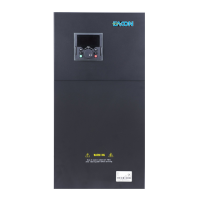
LCD operation panel is a 128*64 lattice black and white LCD screen, able
to display the Chinese, English and Russian, as well as the operation status of
AC drive, operation direction, alarm, pre-alarm information, panel/remote control
directions, monitoring data, I/O status, function of parameters, and data
settings.
The panel is detachable, and isolated from input encoder. During the
operation, the panel is allowed to be removed, but when the operation is related
to the panel, e.g. the run/stop and frequency setting are controlled by the panel,
it is not recommended to do so.


 To Next Page