EasyManua.ls Logo

EarthQuake 6014V CRT - User Manual

EarthQuake 6014V CRT
28 pages
Print Icon
To Next Page IconTo Next Page
Loading...
ARDISAM
.com
GetEarthquake.com
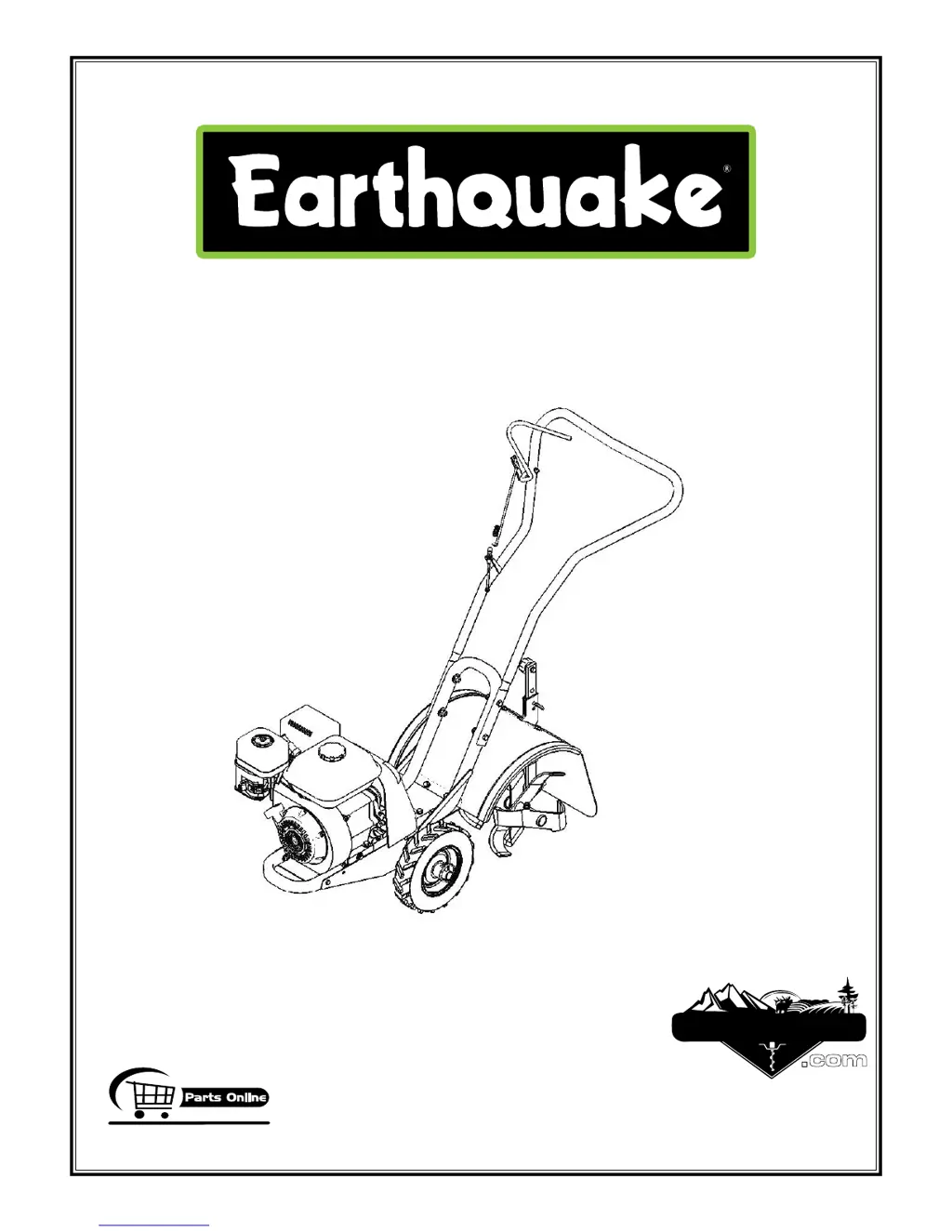
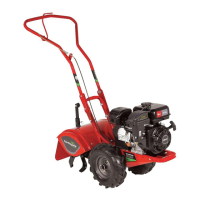
6014V CRT ROTOTILLER
OPERATOR’S MANUAL
OM6014
Rev. 7/13/09
© 2009 Ardisam, Inc.
All Rights Reserved. Printed in USA.
6014V
VIPER ENGINE
196 CC

Questions and Answers

  • A
    Andrea GeorgeAug 13, 2025
    What to do if EarthQuake 6014V CRT engine misses or lacks power?
    • A
      andrewramseyAug 13, 2025
      If your EarthQuake Tiller engine misses or lacks power, try these steps: * Raise the tines for shallow tilling by lowering the depth regulator lever. * Remove and clean the fuel tank. * Clean or replace the air cleaner. * Replace the spark plug and adjust the gap. * Drain and refill the gas tank and carburetor. If the issue persists and you suspect improper carburetor adjustment, take it to an authorized engine service center.
  • L
    Lauren WilkinsAug 17, 2025
    Why is my EarthQuake Tiller engine hard to start?
    • A
      Amy StanleyAug 17, 2025
      If your EarthQuake Tiller engine is hard to start: * Drain the old fuel and replace it with fresh fuel, and use a gas stabilizer at the end of the season. * Ensure the spark plug wire is securely attached to the spark plug. * Make sure the drive safety control levers are released to the neutral position to start the engine.
  • W
    William HullAug 21, 2025
    What to do if EarthQuake 6014V CRT engine runs rough and floods?
    • H
      heathjosephAug 21, 2025
      If your EarthQuake Tiller engine runs rough and floods during operation, the first thing you should do is clean or replace the air cleaner.
  • L
    Lindsey AllenAug 25, 2025
    How to control EarthQuake 6014V CRT Tiller that jumps or lurches forward?
    • G
      georgeamandaAug 26, 2025
      If your EarthQuake Tiller is difficult to control when tilling because it jumps or lurches forward, try locking the wheels in the tilling position. You can also raise the tines for shallower tilling by lowering the depth regulator lever.
  • D
    davidmoralesAug 28, 2025
    What to do if EarthQuake Tiller engine will not stop?
    • G
      goldenpamelaAug 28, 2025
      If the EarthQuake Tiller engine will not stop when the throttle control is positioned at stop, check and adjust the throttle linkage. Consult the engine manual for instructions.
  • M
    Megan FletcherSep 1, 2025
    Why tines turn but wheels do not turn on EarthQuake 6014V CRT?
    • N
      nicolemurphySep 1, 2025
      If the tines turn but the wheels do not turn on your EarthQuake Tiller, try locking the wheels in the tilling position. If the problem persists, this could be due to an internal transmission failure; in that case, consult your dealer.
  • J
    Julie AlvarezSep 5, 2025
    What to do if tines and wheels turn, but EarthQuake 6014V CRT does not move?
    • J
      Jamie HarrellSep 5, 2025
      If the tines and wheels turn, but the EarthQuake Tiller does not move, lower the tines for deeper tilling by raising the depth regulator lever.
  • J
    Joshua PetersSep 8, 2025
    Why does my EarthQuake 6014V CRT Tiller move forward during starting?
    • S
      Stephen HughesSep 8, 2025
      If your EarthQuake Tiller moves forward during starting, it is important to ensure that the drive safety control levers are released to the neutral position before you start the engine.

Summary

Introduction

Registration

Record model and serial numbers for easy reference and warranty validation.

Safety

Owners Responsibility

User is responsible for assembly, safe use, and maintenance of the rototiller.

Special Messages

Manual contains special messages for safety, machine damage, and operational info.

Important Safety Precautions

Read and follow all safety instructions and recommendations for safe operation.

Preparation

Dress appropriately, inspect area, and handle fuel safely before operating.

Operation

Operating Guidelines

Guidelines for safe and effective operation of the rototiller.

Maintenance and Storage

Keep machine in safe working condition and prepare for storage.

Safety Decals

Warning - Avoid Serious Injury

Read manual, know controls, keep guards, dress properly, and stop engine when servicing.

Warning - Wheels Act as Brakes

Ensure wheels are locked in tilling position when engine is running.

Danger - Avoid Injury From Rotating Tines!

Keep hands, feet, and clothing away from rotating tines.

Warning! - Do Not Start Engine Unless Belt Cover Is Attached

Ensure belt cover is attached before starting engine to avoid injury.

Unpacking and Assembly

Unpack Tiller

Remove handlebar assembly and machine from carton carefully.

Attach Handlebar to Tiller

Mount handlebar stems to lower handlebar mount using bolts and nuts.

Fill Engine Crankcase

Add clean, high-quality detergent oil to the engine crankcase before starting.

Features

Recoil Start

The mechanism used to start the engine manually.

Forward Drive Safety Control Lever

Lever that engages wheels and tines for forward movement.

Wheel Lock Pin

Pin used to lock wheels in place for tilling or free-wheel position.

Depth Regulator Lever

Lever used to adjust the tilling depth of the rototiller.

Belt Guard

Protective cover for the drive belt system.

Operation Start-Up

Pre-Start Inspection

Ensure guards, nuts, bolts, oil, fuel, and spark plug are secure before starting.

Start-Up

Step-by-step guide for starting the engine, including cold and warm starts.

Caution

Read engine manual and specific sections before starting tiller.

Operating Procedures

Idle Speed

Using the low throttle position to reduce engine stress and conserve fuel.

Operating Speed

Setting the throttle lever to 'fast' for normal tilling operations.

Shutting Down

Procedures to stop the engine, wheels, and tines safely.

Tilling

Adjusting depth regulator and engaging controls for tilling.

Danger

Engine and surrounding parts get extremely hot; avoid touching when hot.

Drive Safety Control Lever

Forward Lever

Pulling the lever engages wheels and tines for forward movement.

Caution

Read safety and operating instructions before starting the tiller.

Wheel Lock Pins

Place Wheels in Tilling Position

Steps to insert lock pin to secure wheels for tilling.

To Place Wheels in Free-Wheel Position

Steps to remove lock pin and slide wheel for free-wheel movement.

Warning

Never start or operate tiller with wheels in free-wheel position.

Depth Regulator Lever

To Adjust Tilling Depth

Remove detent pin, position lever, and replace pin to set tilling depth.

Warning

Do not adjust tilling depth unless drive safety control lever is released to neutral.

Belt Tension Adjustment

To Increase Belt Tension

Loosen upper jam nut, turn nut up cable, and tighten lower jam nut.

Tilling Tips

Successful Tilling

Start with shallow cuts and work deeper on successive passes for best results.

Cultivating Tips

Tips for cultivating, including row spacing and depth settings.

Warning

Extreme caution needed for tilling depth; loss of control can result.

Maintenance

Maintenance Schedule

Table outlining maintenance operations and their intervals.

Servicing the Rototiller

Information on necessary checks and procedures for routine care.

Warning

Engine must be off, cool, and spark plug wire disconnected before servicing.

Change Forward;Reverse Belt

Caution

Read the engine manual provided in the parts packet before operating.

Warning

Muffler and nearby areas can exceed 150°F; avoid these areas.

Important

Engine can overheat if debris blocks cooling system; never run without air cleaner.

Engine Maintenance

Check or Fill Engine Crankcase

Add oil according to engine manual, check level before starting.

Check Tiller Transmission Grease

Check grease level annually; the transmission holds 18-22 ounces.

Check Tire Pressure

Recommended tire pressure is 20 PSI for proper operation.

Important

Engine is shipped without oil; add engine oil before starting.

Lubrication and Cleaning

Lubrication

Oil moving parts at 10-hour intervals using 30-weight oil.

Clean Tine Axle Shaft

Remove vegetation, string, and wire from the tine axle shaft.

Storage

Prepare for Storage

Protect wheels/axles, drain fuel or add stabilizer, drain oil, clean surfaces.

Warning

Do not store in unventilated areas where fuel fumes can reach ignition sources.

Troubleshooting

Troubleshooting Guide

Lists common problems, causes, and remedies for rototiller operation.

Warning

Engine must be off, cool, and spark plug wire disconnected before maintenance or repair.

Specific Troubleshooting Issues

Belts Squeal in Neutral

Adjust forward belt guide clearance between belt guide and belt.

Excessive Heat Build Up in Transmission;Tine Area During Tilling

Remove vegetation and check transmission fluid.

CRT Handlebar Parts Diagram

CRT Handlebar Parts List

CRT Motor Mount Parts Diagram

CRT Motor Mount Parts List

CRT Tines & Hood Parts Diagram

CRT Tines & Hood Parts List

CRT Wheel & Tiller Shaft Parts List

1-Year Limited Warranty

Terms and Conditions

Details warranty coverage, exclusions, and service procedures.

EarthQuake 6014V CRT Specifications

General IconGeneral
BrandEarthQuake
Model6014V CRT
CategoryTiller
LanguageEnglish

Related product manuals