-4-
2 Installation Instructions
2.1 Unpacking and checking
2.1.1 Unpack UPS, and check accessories
Host
Instructions
Warranty card
Communication line
Power cord
CD
Battery connecting wire (not provided for standard UPS)
Accessories of fixed support (not provided for tower UPS)
Rack (wall-mounted) accessories (not provided for tower UPS)
Others according to requirements of the contract
Note: Please keep the carton and packaging materials of the machine for convenience of
future handling. The series of products are very heavy which shall be handled with care.
2.1.2 Check whether UPS is damaged during the transportation. If any
damage or missing parts are found, do not start up the machine, and inform
the carrier and distributor
2.2 UPS front panel view
TEST/MUTE
ON OFF
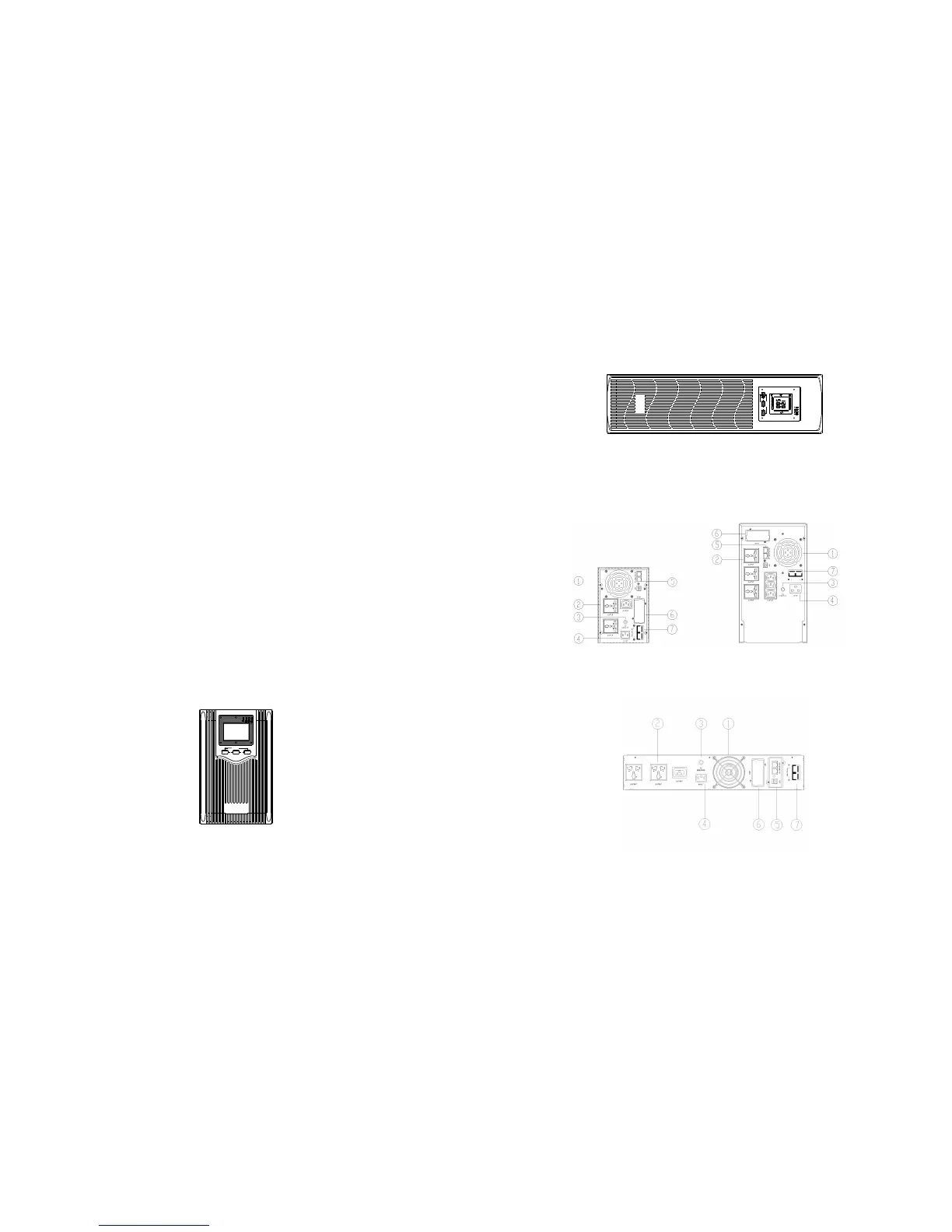
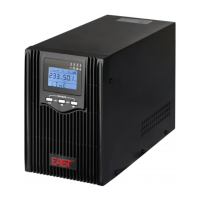
Fig. 2.2 Tower panel
-5-
ROTATE/SET
TEST/MUTE
VAC
HZ
OUTPUT
25% 50% 75% 100%
25% 50%
75%
100%
LI NE
ON OFF
Fig. 2.2 Rack panel
2.3 UPS rear panel view
2.3.1 Tower rear panel
Fig. 2.3.1 1KVA-2KVA rear panel (left), 3KVA rear panel (right)
2.3.2 Rack rear panel
Fig. 2.3.2 2U 1KVA rack rear panel



 To Next Page