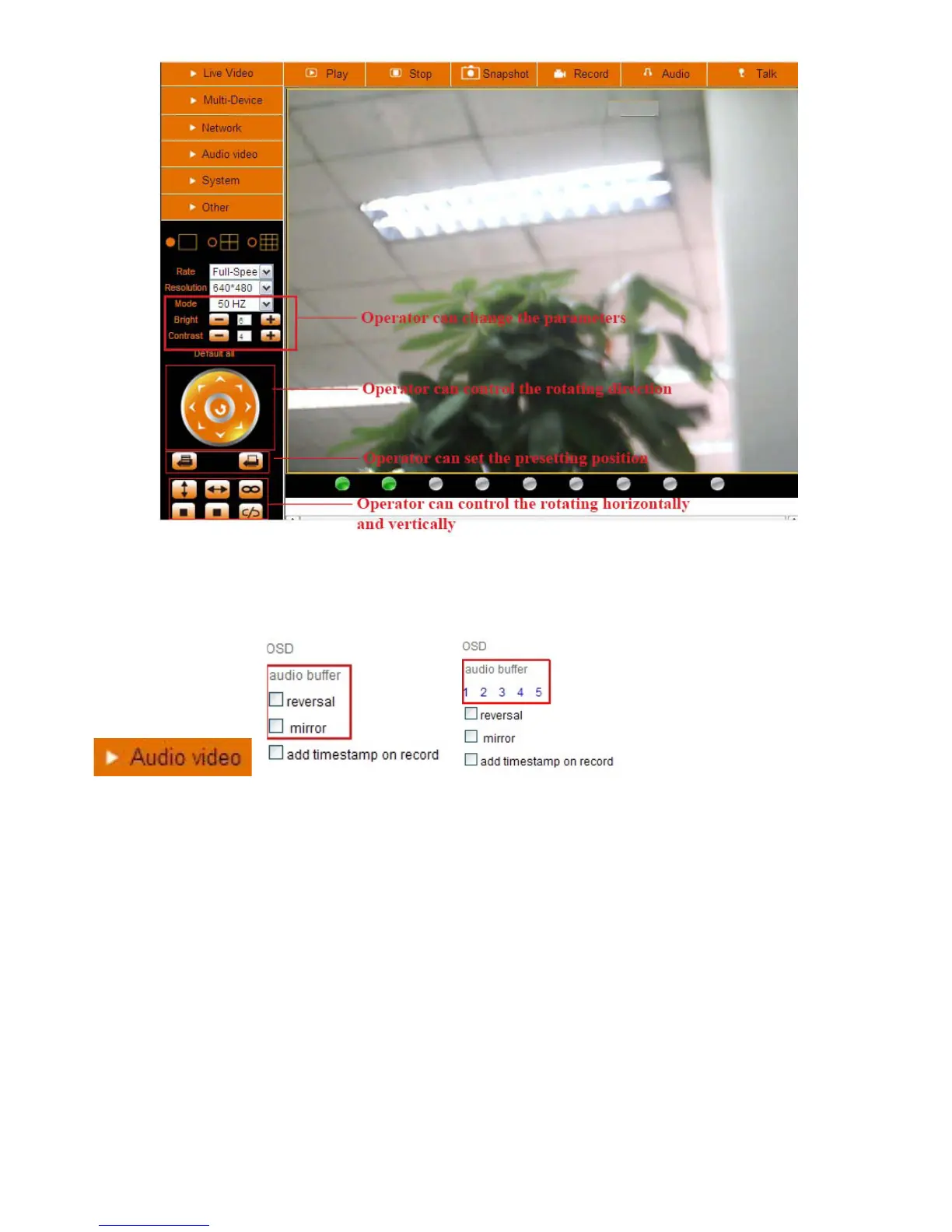
Figure 4.1
Audio Video Settings
Figure 4.2
Audio buffer: Click this icon, it will show five numbers, which means 1/2/3/4/5 seconds buffer of audio.
Reversal: Click this icon to reverse (flip) the image. Click again to go back to normal.
Mirror: Click this icon to see a mirror image. Click again to go back to normal.
NOTE: You can choose Reversal and Mirror function when you set up the camera in a special position
(upside down for example).



 To Next Page