Figure 4.9
3.1.2 Set Multi-Device for WAN
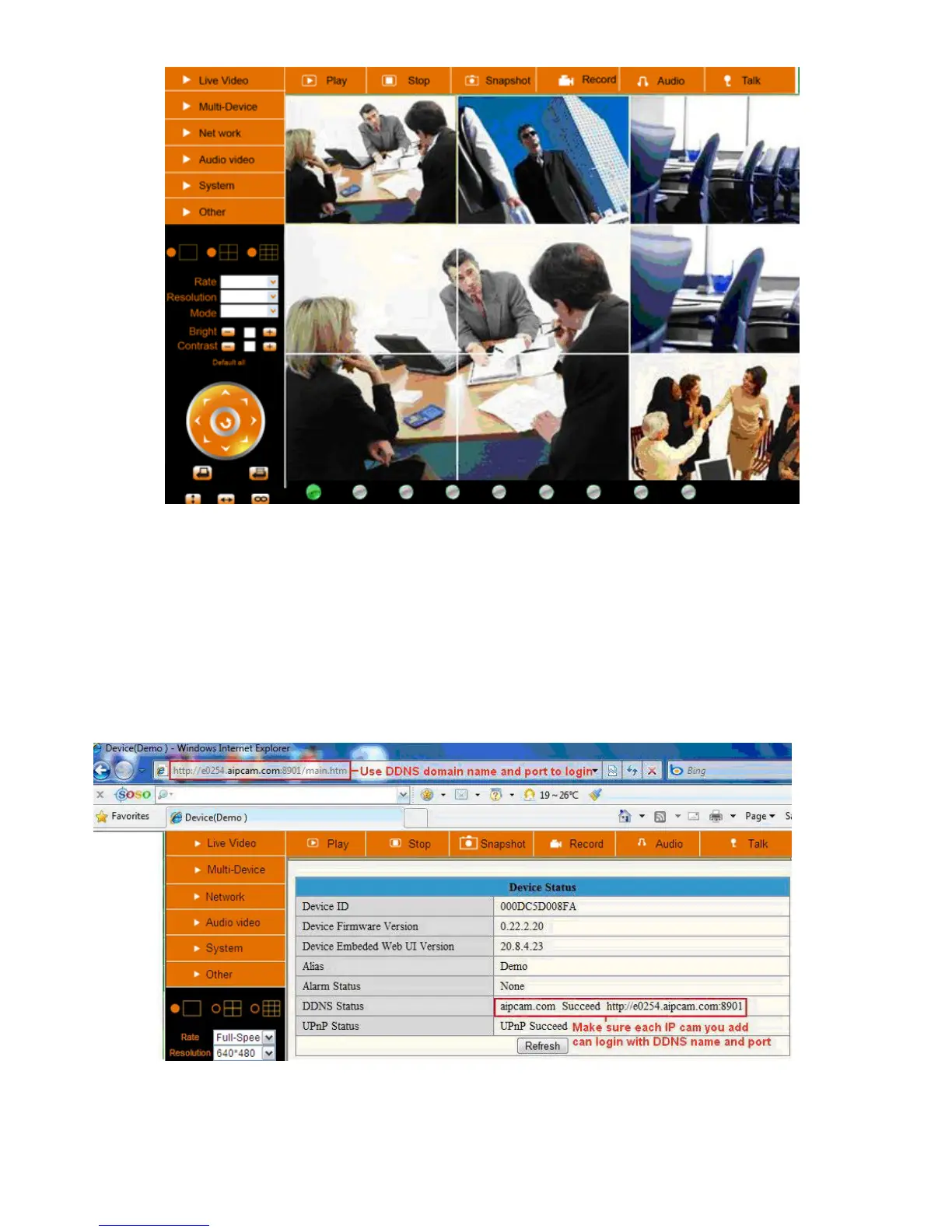
If you want to view cameras from the internet, you have to add these devices by DDNS domain name.
Make sure all these cameras you want to add have been set DDNS successfully. (View 3.7 DDNS Service
Settings) And also these cameras work well with DDNS.
Login to the first camera by DDNS domain name and port, this camera will be as the host camera.
Figure 5.0



 To Next Page