2. Make sure the Wi-Fi antenna is installed.
3. Determine whether there is encryption on the WLAN of router, if there is encryption, note the key
somewhere as we need it in the following steps.
Extra information:
Encryption is another word for password and security of the wireless network, most routers will have
encryption these days (and should be) so other people cannot brake in to your network. Some routers have
a sticker on the bottom with the factory username and password, other ones don`t have a password, and
the password can also be set by the user or mechanic. There is a very handy website with allot of router
brand information like default IP address, default username and password etc. Please note we only refer to
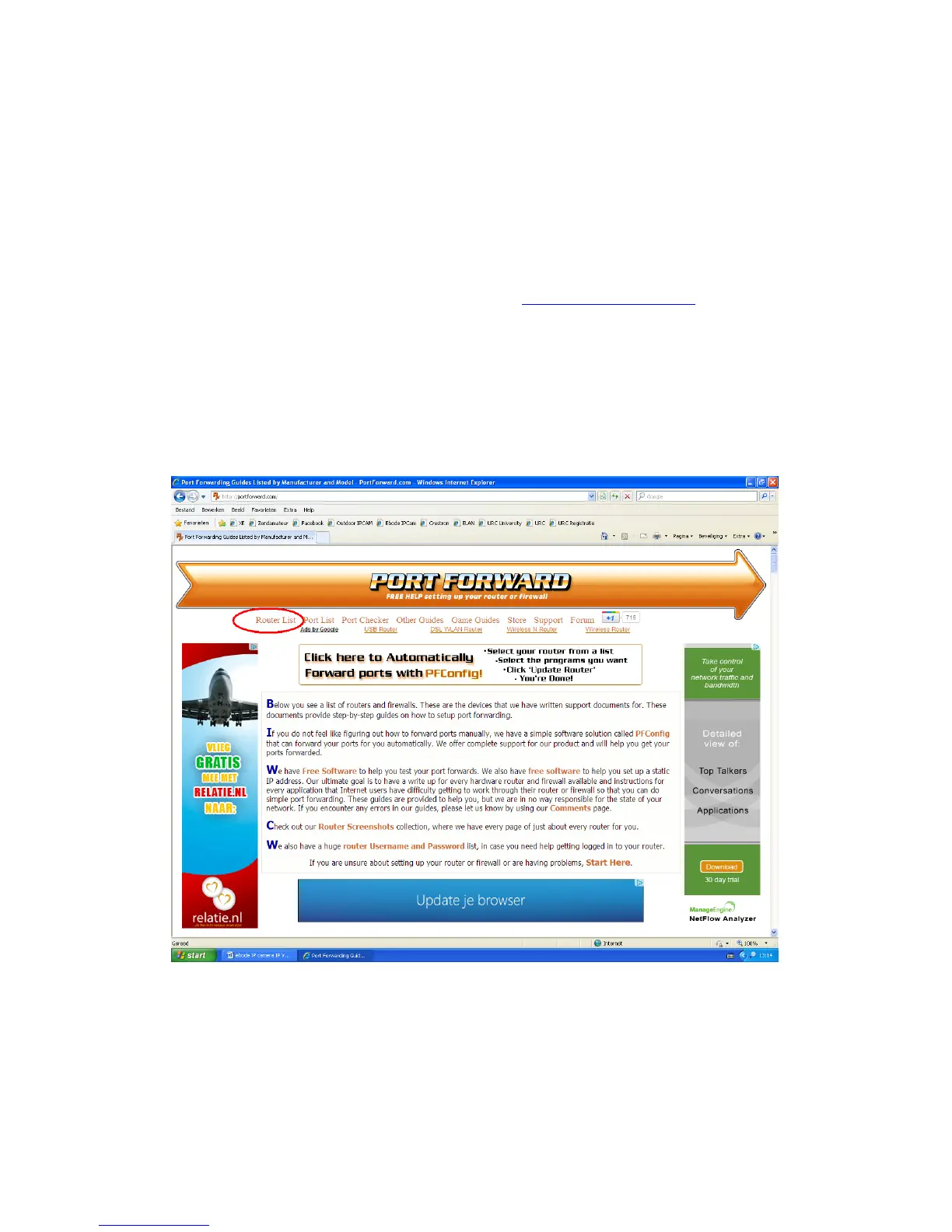
this website, we do not maintain or support it. The website is: http://portforward.com/
Click “Router List” and
find your brand and type to find more handy details about your router if you can’t find them anywhere else.
In the next screenshots we take a Linksys router as an example, here Portforward.com shows the default
username and password as well as the default IP address to visit the router settings menu.
Please note that Portforward.com is a website designed to tell you how to forward ports in your router.
Information may vary from type to type of routers. Lets proceed shall we?



 To Next Page