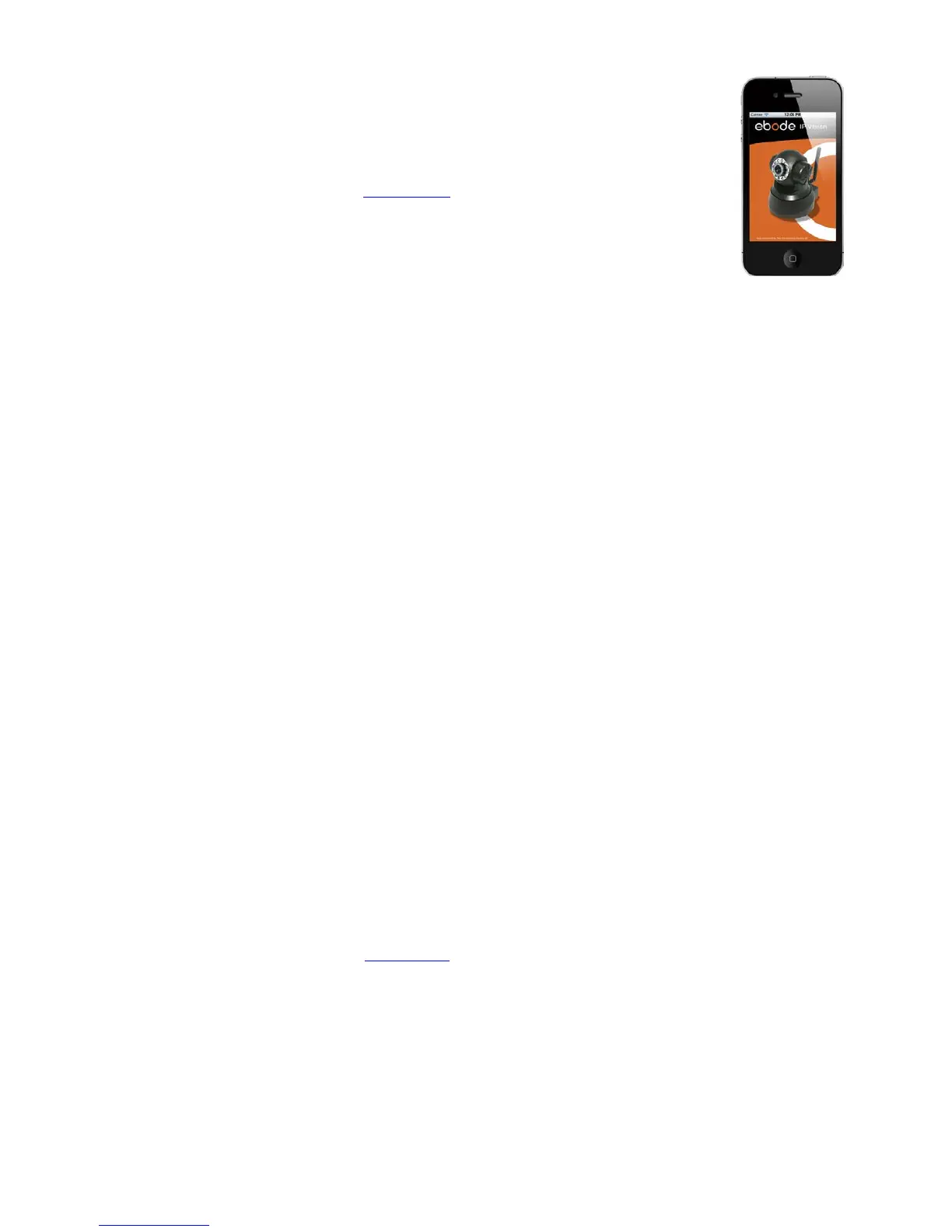
3.23 Compatible Apps for mobile devices
Recently we introduced our own ebode app for the IP camera. With this app you can
remotely view and control your ebode IP camera from your iPad®, iPhone® or iPod
Touch®, wherever you are*.
Go to the App Store to download the IPVision App
(€3,99)
FEATURES
- View the live video feed of your cameras
- Control the cameras in all 8 directions (if supported by the camera)
- Motion detection (only for cameras that support it): send mail on motion detection, set sensitivity, Quickly
enable/disable the alarm
- Zoom in and out on the image by pinching (even when your camera doesn't support zoom)
- Fullscreen by rotating the device to a landscape position
- Fullscreen controls
- Swipe in fullscreen view to select another camera, this only works when not zoomed in (double tap to
zoom to 100%)
- Take snapshots and save it to your camera roll
- Adjust brightness/contrast
- Mirror and flip is taken into account (so the controls will still work intuitively, even when the camera is
mounted to a ceiling for example)
- Change camera resolution
- Adjust brightness and contrast
- Multiple camera support (up to 144 cameras)
- Mosaic view for showing 4 cameras (in landscape) and 6 cameras (in portrait) simultaneously
- Swipe in mosaic view to view more other cameras
- Possibility to lock PTZ controls and/or rotation
- iOS 4 tested and supported
- Taking full advantage of retina display on iPhone 4
SUPPORTED CAMERAS
Please note that this app is ONLY compatible with ebode MJPEG cameras, cameras of other brands are
not supported.
*** NOTE THAT NOT ALL FEATURES WILL WORK WITH ALL CAMERA MODELS ***
*3G or wireless network connection required. For use outside your home network you'll need to setup port
forwarding on your router, see the FAQ.
Also there is a free App available: The CamViewer
from John McKerrell



 To Next Page