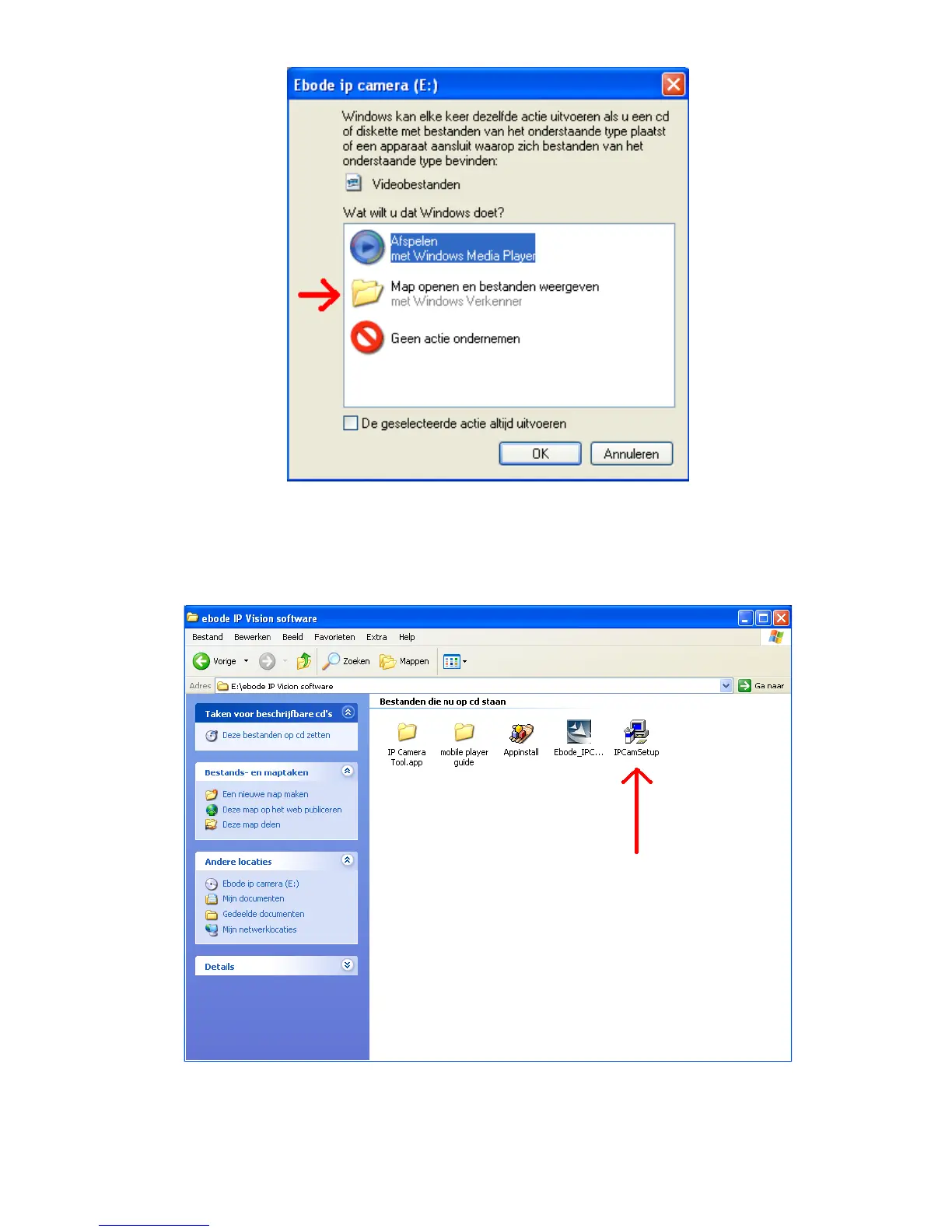
3. Open the “ebode IP Vision Software” folder and double click “IPCamSetup.exe” then click next to
complete the software installation. (Please note that on some computer systems it might take a few
seconds before the “IPCamSetup” icon will appear)
In order to run smooth we will need to install the “ActiveX App” on each system we would like to use to visit
the camera. The “AppInstall” file is located in the same folder as the “IPCamSetup” file from the previous



 To Next Page