Page 12 of 20 2/3/2010 @ 9:00 AM
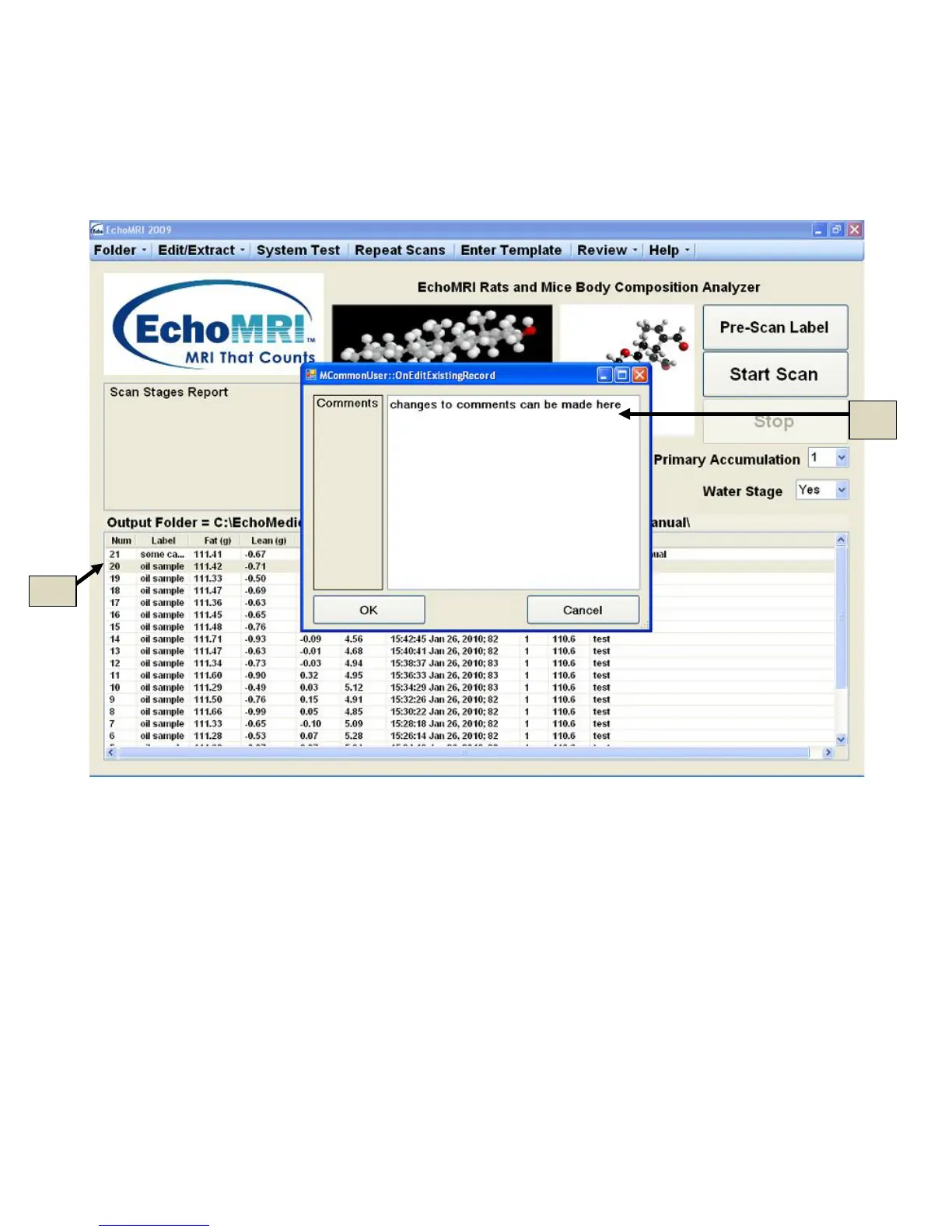
New sample comments can be entered, or previously entered sample comments can be edited, after the scan is
completed (5j in Figure 5.3). To do this, select the line in the list (5k in Figure 5.3) for which you want to
modify the Comments and either press simultaneously buttons Ctrl + F2 or use menu button "Edit/Extract
→Post-Scan Comments".
Figure 5.4
Statistics: F3 or Review → Selected Statistics
Press F3 to display Mean and Standard Deviation of Fat, Lean, Free Water, and Total Water (6a in Figure 6.1)
for a selected subset of measurements (6b in Figure 6.1). The selection can be done with either Ctrl or Shift key
on the keyboard and the mouse. Use “Ctrl + A” if you want to select all the records.



 To Next Page