Page 18 of 20 2/3/2010 @ 9:00 AM
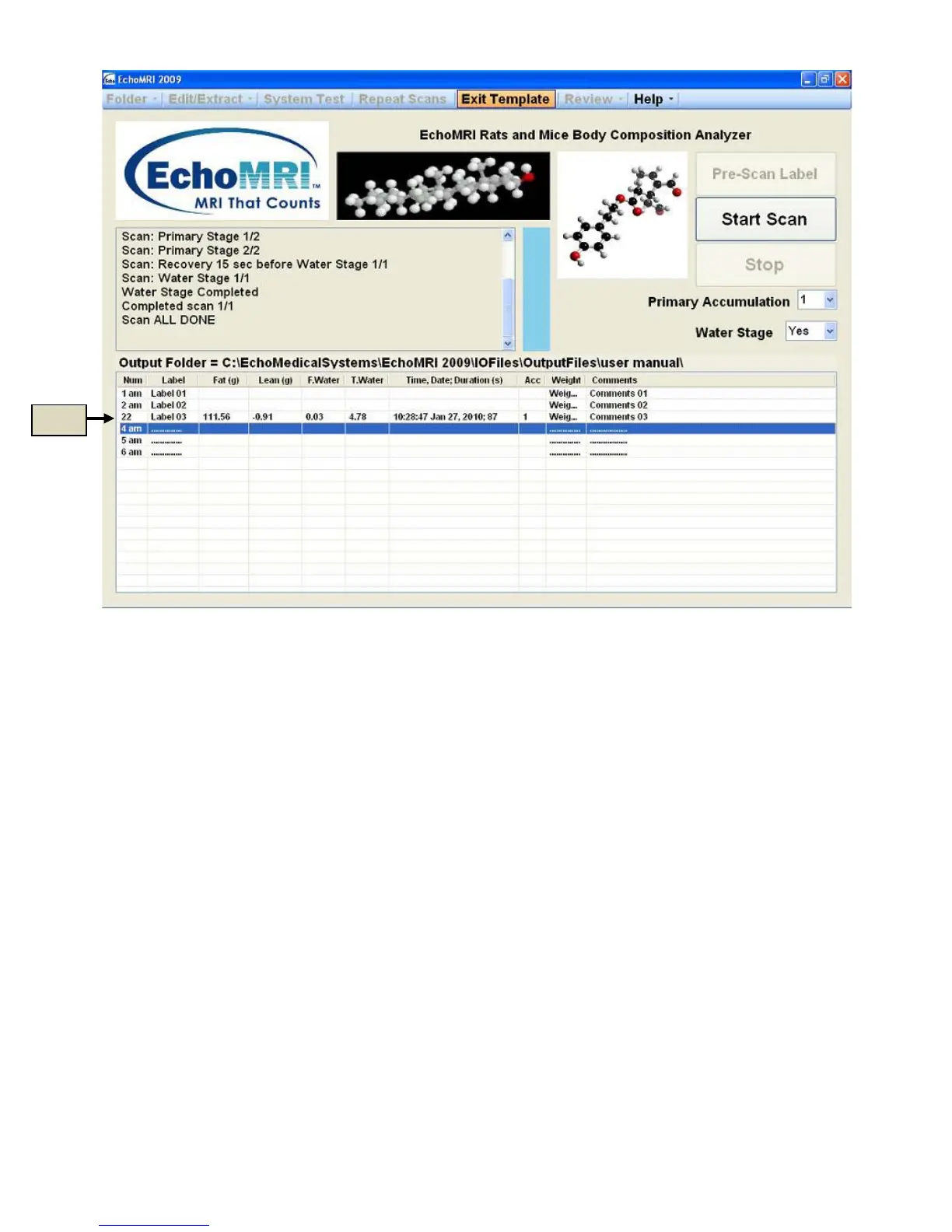
Figure 8.2
Exiting Template Mode
It is not necessary to complete all the scans in the list to exit the Template Mode. To exit it, press the "Exit
Template" button or "Alt + A". The regular form of the Measured Results List is presented, with the latest scans
added in the order in which they were executed.
Special Actions
Actions which may be requested by Echo Medical Systems in special circumstances.
Review → Zip Raw Data
In such cases when you want to send some raw data to Echo Medical Systems for analysis of system
performance, click menu item "Review → Zip Raw Data". A standard Windows "Save As" dialog pops up
offering a default name for the zipped file and a default folder where to save it. The default name is constructed
from the name of your current output folder and the current date and time as a matter of convenience, however
if you like, you can change both the name of the zipped file and the folder. The zip file is then to be sent to
Echo Medical Systems. There is a bound on the volume of data that can be zipped in this way (this bound can
be modified by a person authorized to use EMS Service or by Echo Medical Systems, remotely or via email).
Review → Recalibration
Under some circumstances Echo Medical Systems may ask you to use the dialog (Figure 9) brought up by
clicking "Review → Recalibration" after a warning message. Using this dialog, you can perform two types of



 To Next Page