Page 19 of 20 2/3/2010 @ 9:00 AM
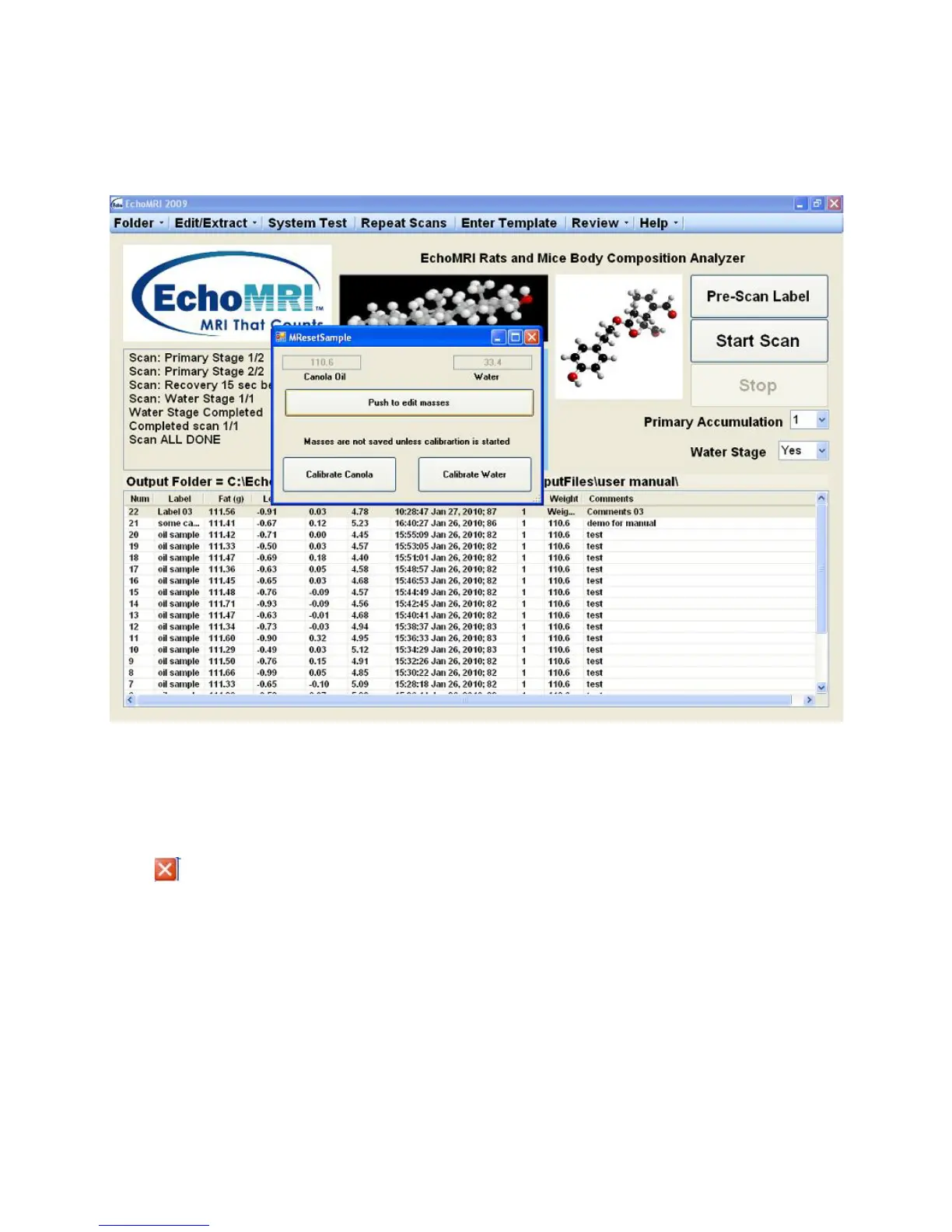
re-calibrations, using canola oil or water, with or without modifying the masses of canola oil or water test
samples. It is not recommended to use these functions without consulting with Echo Medical Systems.
Results of Canola Calibration and Water Calibration are written in “../SysTestFolder”, same as System Test
results.
Exiting the Application
You can exit the application software by either pressing the Esc button on the keyboard, or clicking the white-
on-red cross in the upper right corner or the Exit button.
Reporting problems
Along with the description of the problem, always send us a zip of your raw data for examination, using the
"Review → Zip Raw Data" function.
Figure 9



 To Next Page