Page 4 of 20 2/3/2010 @ 9:00 AM
Getting Started
Echo Medical Systems’ EchoMRI™ Whole Body Composition Analyzers employ magnetic resonance
relaxation analysis for measuring live body composition in terms of Fat tissue, Lean tissue, Free Water and
Total Water.
Most of the graphical user interface of EchoMRI™ operating software is concentrated in one window,
optimized for simplicity and convenience of use. This manual will elaborate on the software and illustrate its
operation.
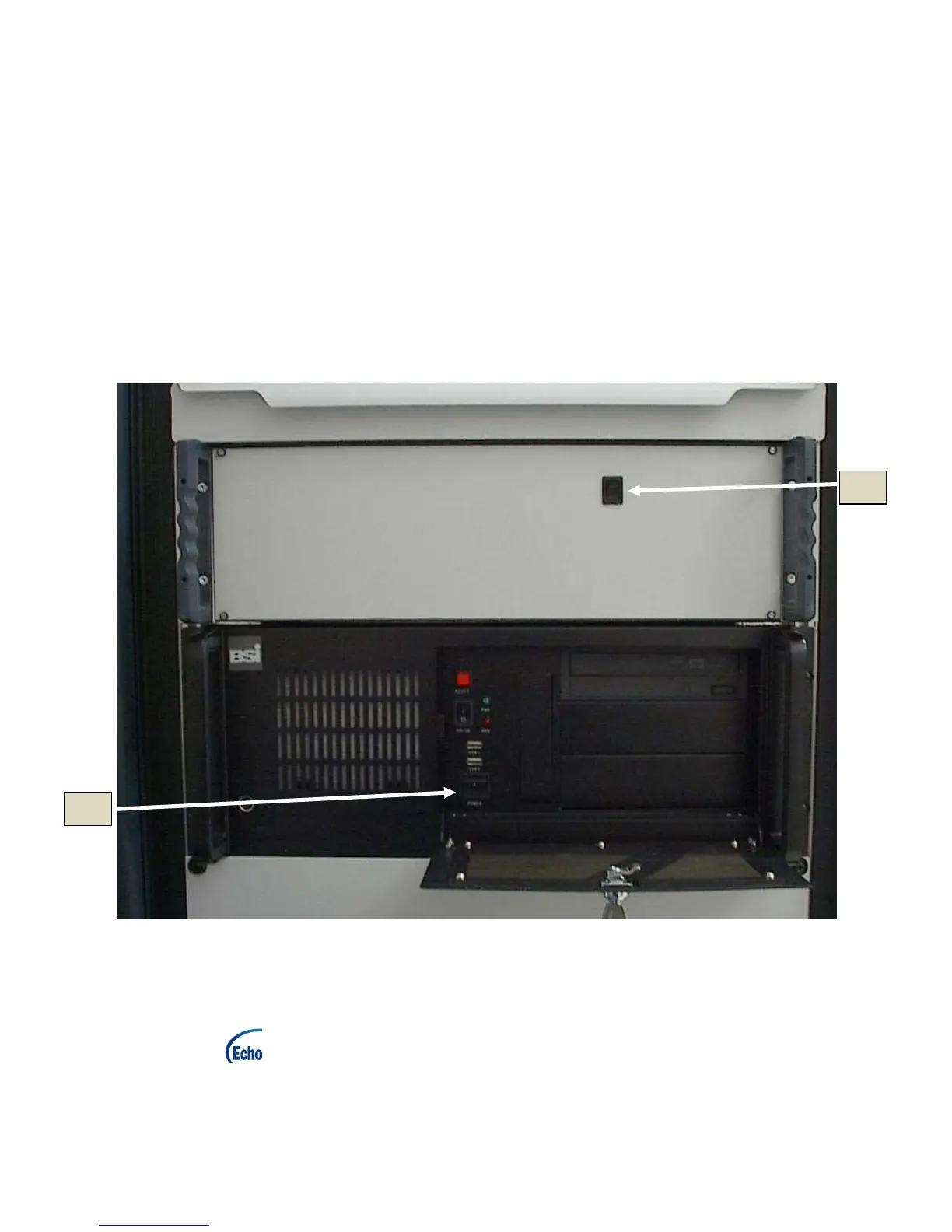
Power up:
(1) Turn on the computer (2a in Figure 2.1) and allow Windows™ to boot fully.
(2) Turn on the electronics module (2b in Figure 2.1).
Figure 2.1: Powering up of the PC and the electronics
Starting the EchoMRI™ software:
Double-click shortcut on the Windows™ desktop to start the program.
Manual
To view this manual, press tool-strip button "Help → Manual".



 To Next Page