Page 17 of 20 2/3/2010 @ 9:00 AM
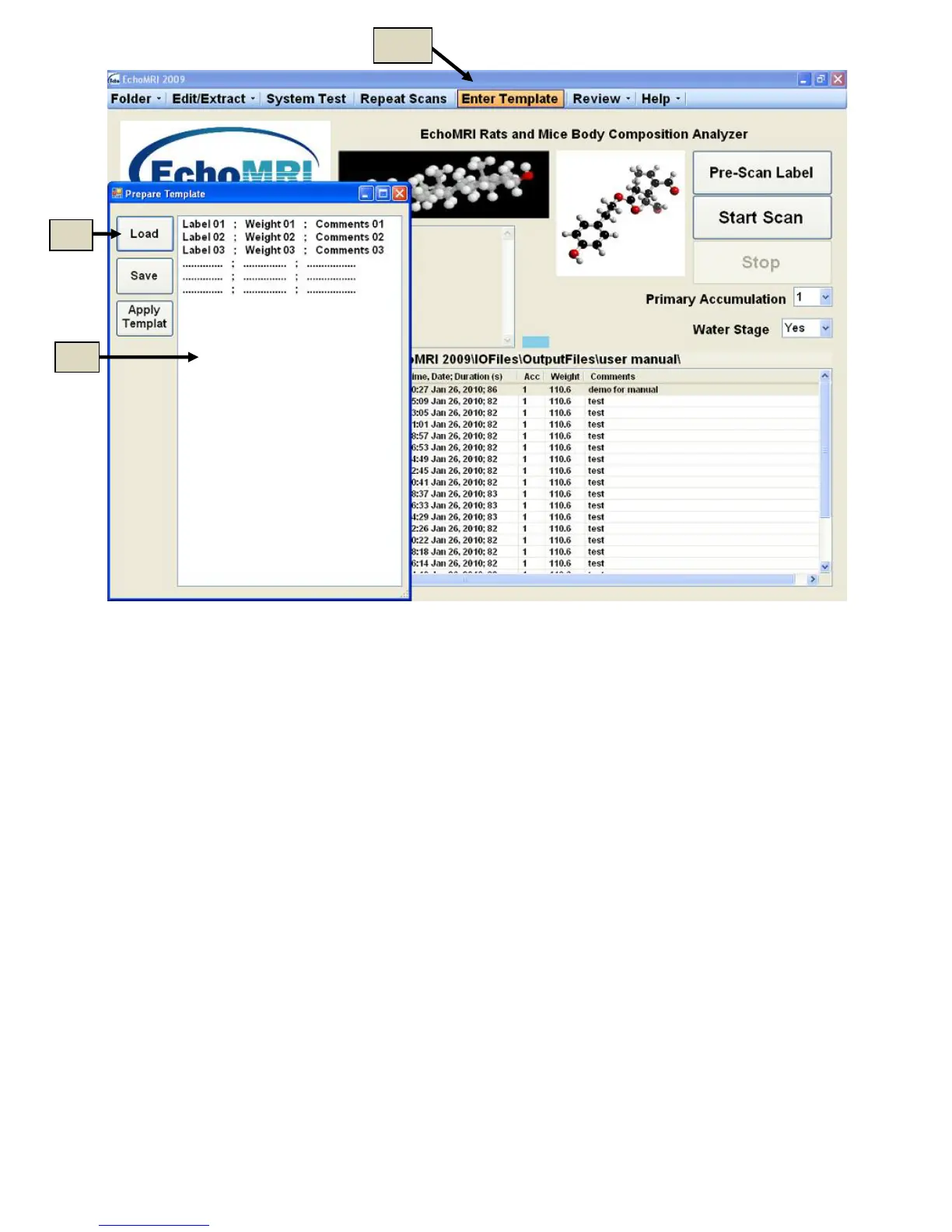
Figure 8.1
Measurements in Template Mode
After a template is accepted you are returned back to the starting page. The numbers in the first column have
“am” written near them (Figure 8.2).
It is not necessary to start with the first row - all the scans can be done in any order: place any of the prepared
subjects in the holder, select its row and start the scan.
After a scan is completed the result appears in the same row and the “am”- number in the left column is
replaced by a sequential number of scans performed in the current output folder (8d in Figure 8.3).
It is possible to do a repeat scan with the supplementary text entries in a row for which a scan was already
completed. In this case a warning is presented to check whether this is indeed your intention rather than an
accidental error. After this scan is completed the results are written in an additional row at the top of the list (no
results of a completed scans can be erased in this way).
Some activities, such as System Test, Select Output Directory, Probe Selection, and some F-key functions are
disabled in Template Mode.



 To Next Page