EN 14
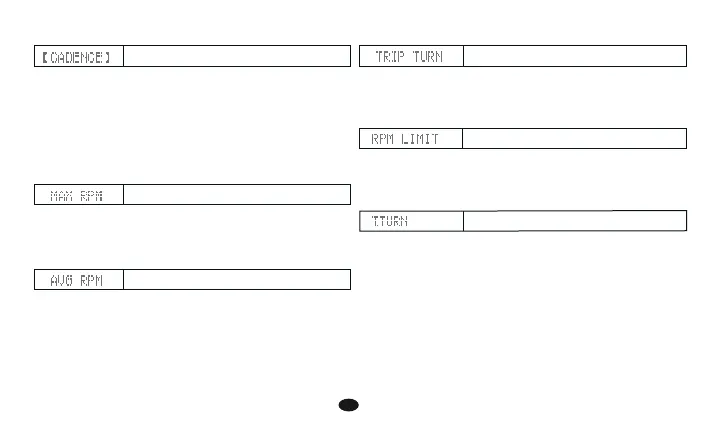
Maximum RPM
Average RPM
RPM limiet
1. The bike1, bike2 accumulates the pedal revolutions as
long as the bike is running.
2. The bike1, bike2 data can be cleared to zero by Data
Reset operation.
Setup the RPM value, the pacer symbol will show up
(beep should sound) to remind you only when RPM is
over limit. By this way you can shift to a upper gear for
more easy riding.
1. The computer accumulates the total pedal revolutions as
long as the bike is running.
2. The bike1, bike2 data can not be cleared to zero by Data
Reset operation, but by all clear operation.
3. The real value is ten times of the number on the screen.
(ex. 38, means 380 turns)
RPM FUNCTIONS
1. RPM (Revolutions Per Minute) is a measure of rotational
speed. It's updated every second.
2. The current RPM (cadence) is always shown on the
middle display.
3. For Bike 1, if you do not turn the crank for over 4
seconds, the current RPM will be reset to zero.
For Bike 2, if you do not turn the crank for over 2
seconds, the current RPM will be reset to zero.
1. With this function, the computer will record your
maximum cadence during riding.
2. Whenever you reset the computer or change the battery,
the max. RPM record for a trip will be cleared.
1. With this function, the computer will display the average
cadence during riding. It's updated per second.
2. Whenever you reset the computer or change the battery,
the average cadence record will be cleared.
RPM
Total Pedal Revolution
Trip Pedal Revolution


 To Next Page