Digital Camera User’s Manual
18
Set the Time and Date
When you transfer a photo to a computer and/or print it,
the time and date will show when it was taken.
To set the date display style:
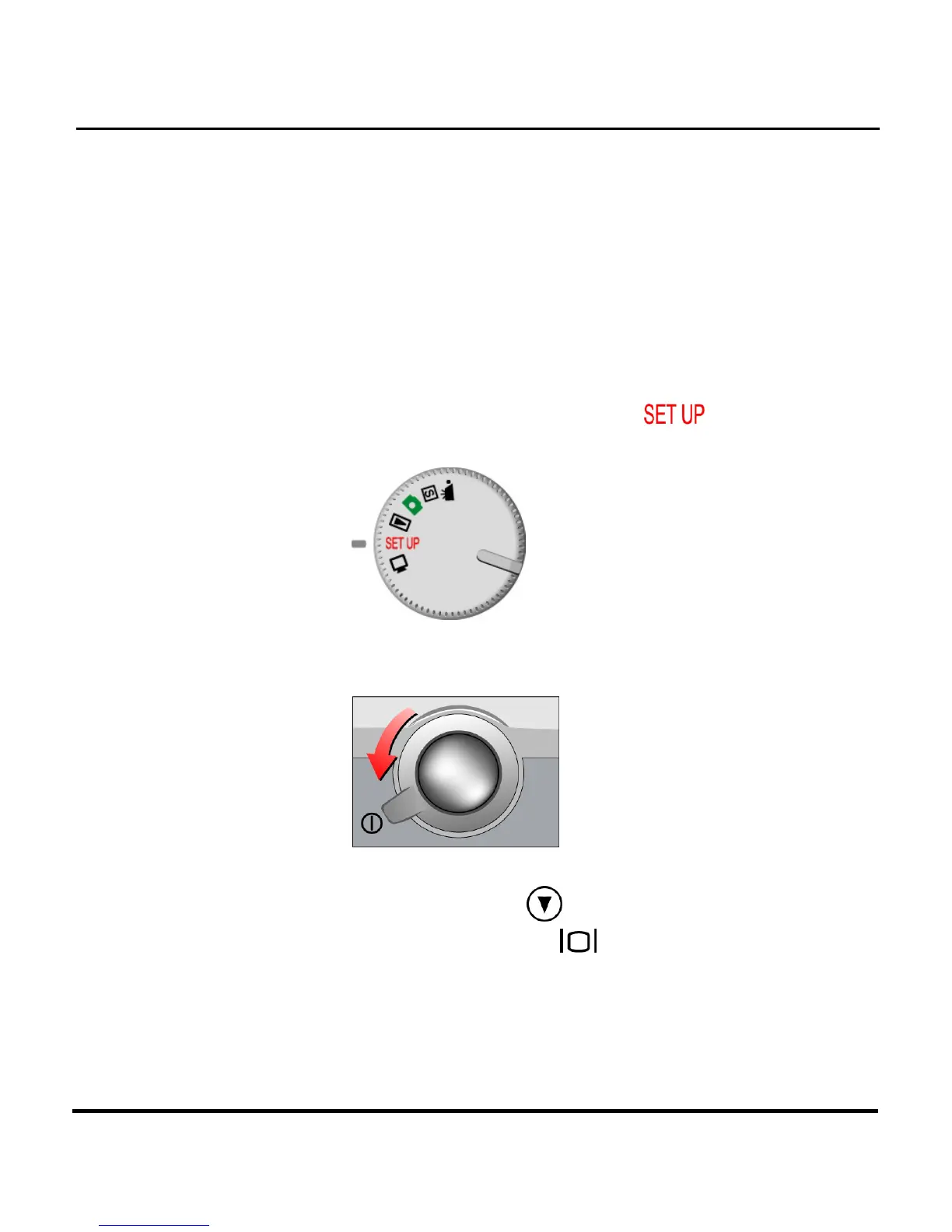
1. Rotate the Mode Dial to Setup
.
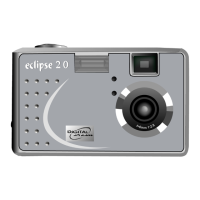
2. Turn on the camera.
3. Use the Down button to select Date and then
press the Display button
.


 To Next Page