95
DVD
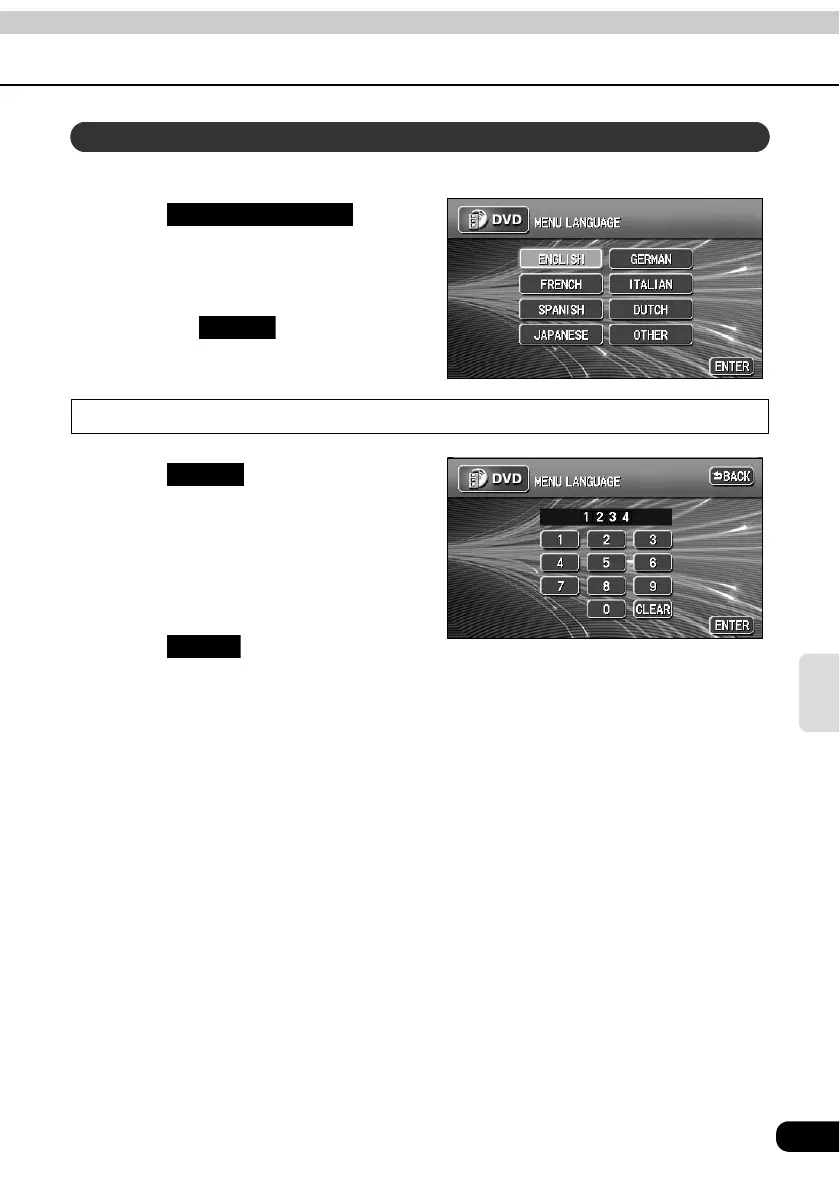
Allows selection of a preferred menu language from those recorded on the disc.
Touch on the
SET UP screen.
Touch the preferred language.
• Touching enables setting of
a language other than those displayed
on the screen.
Input a code
Touch on the MENU
LANGUAGE setting screen.
Input a language code.
• Refer to "Table of language codes" on
page 99 for language codes.
Touch .
Menu language setting
MENU LANGUAGE
OTHER
OTHER
ENTER



 To Next Page