12
2. Features
Introduction
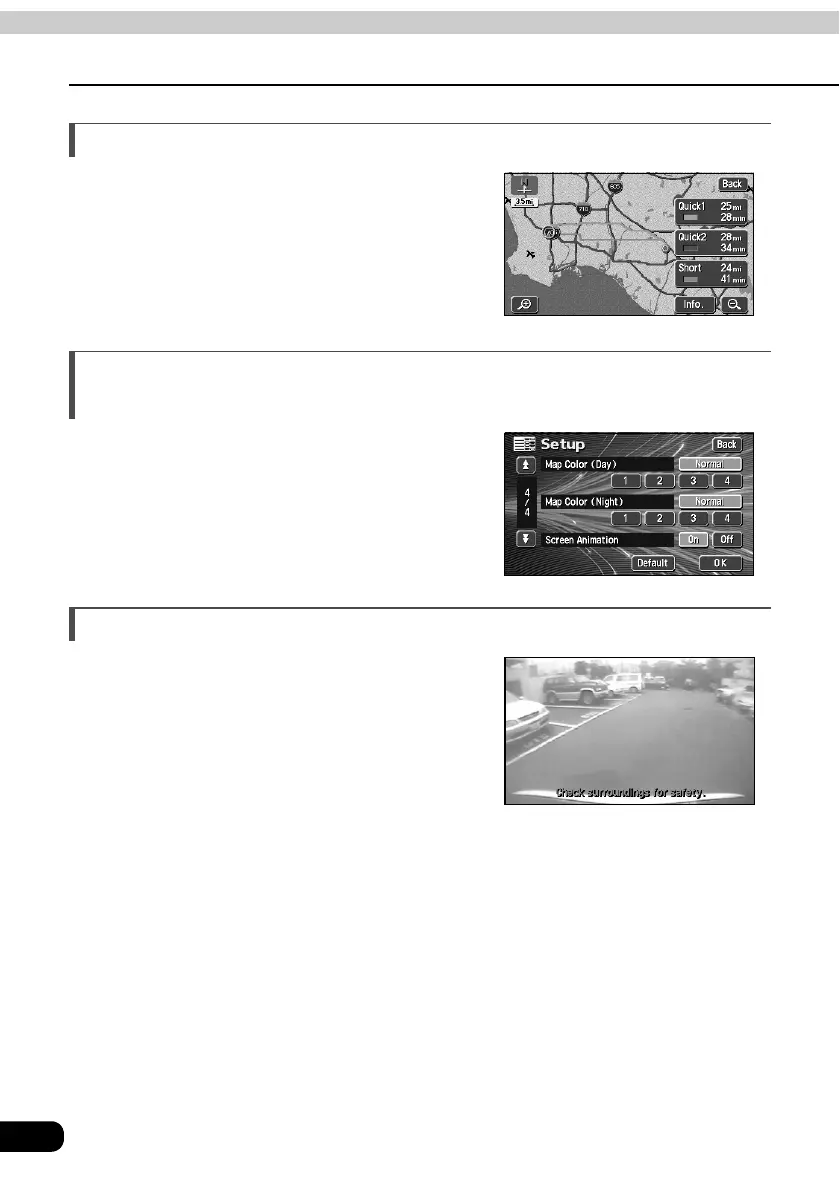
3-route simultaneous display (Refer to page 73)
When initiating a route search, three routes
(Quick 1, Quick 2 and Short) can be searched
for simultaneously.
The map display color can be switched
(Refer to page 22)
Four map display colors can be selected for
the daytime and nighttime screen display
respectively.
System upgrade (Refer to page 126)
• Rear View Camera
When the optional Rear View Camera is
installed, the view to the rear can be displayed
on the monitor screen.



 To Next Page