121
Point
registration
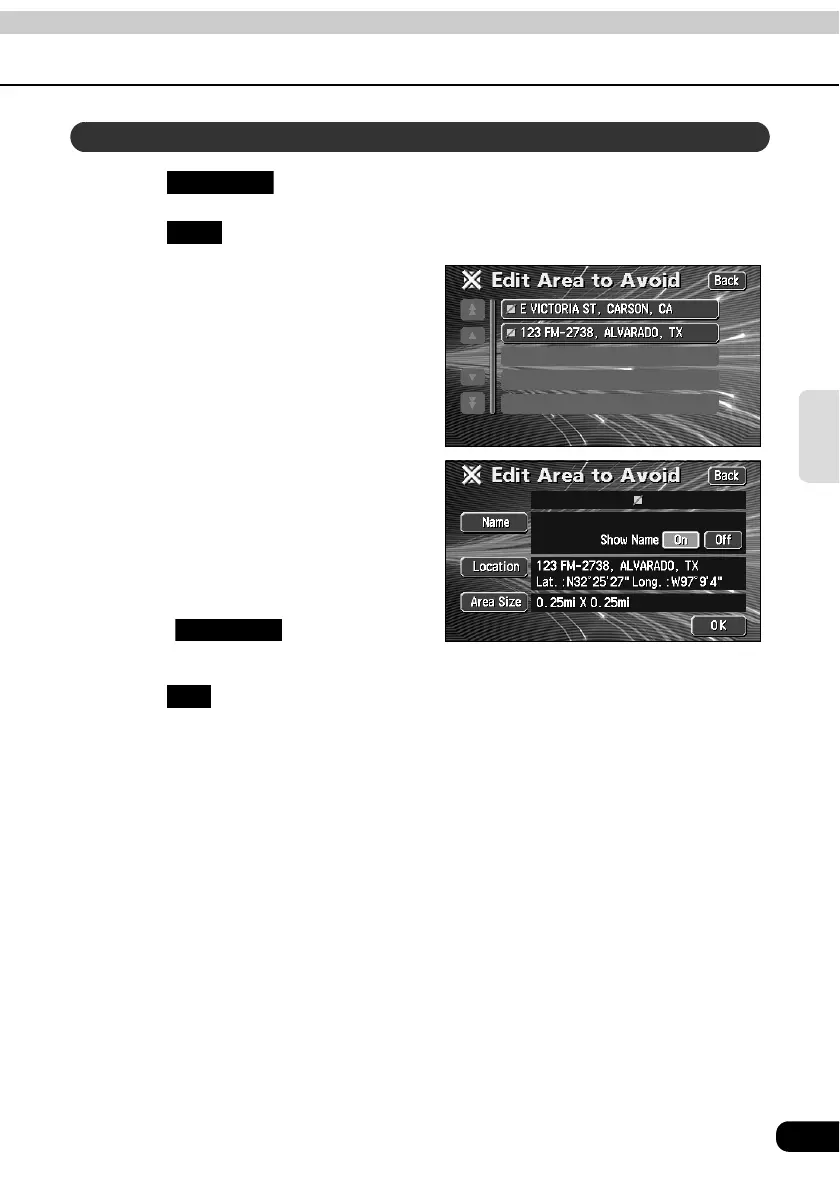
Touch in the Menu screen.
Touch for Areas to Avoid.
Touch the Area to Avoid to correct/
enter.
Touch the touch switch for the item
to be corrected or entered.
• The correction/entry method is the
same as for memory points.
• Name entry (Page 112)
• Position (Page 109)
• Touch to change the
detour area. (Page 119)
Touch .
Correcting a detour memory point
My Places
Edit
Area Size
OK



 To Next Page