31
Basic
operation
Displaying street maps
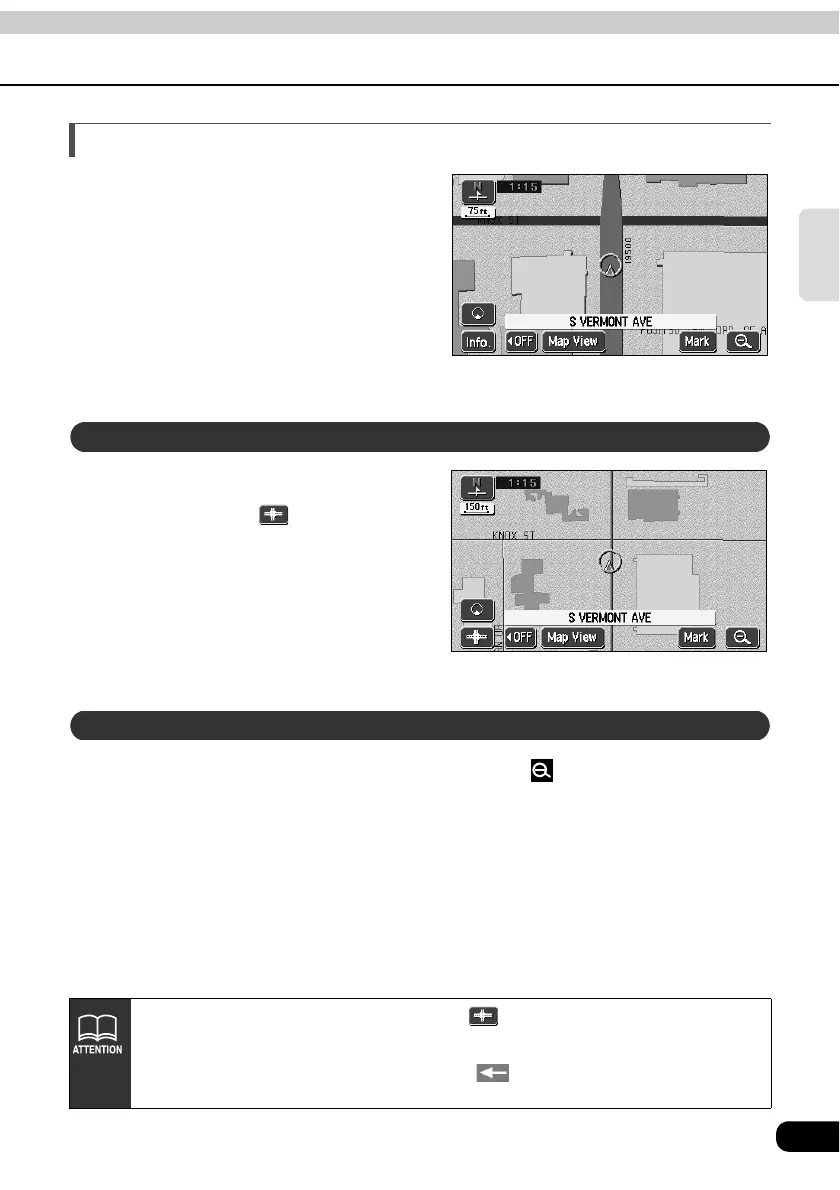
For the area where the street map
is provided, 1/0.0025 million (75 ft)
scale street map can be displayed.
When 150 ft scale map is
displayed, touch .
• 75 ft scale street map is displayed.
When 75 ft scale street map is displayed, touch .
● Street map
Switching to street map display
Canceling the street map display
● Only in the area where the street map is provided, is displayed on the 150 ft scale map and
becomes selectable (If you move the map or the present location to the area where the street map
is not provided, the street map being displayed is automatically canceled).
● On street maps, the one-way traffic is indicated with
mark. The street map cannot be moved
while driving.



 To Next Page