20
Basic operation
2.
Adjusting the screen and setting the sound
Screen adjustment
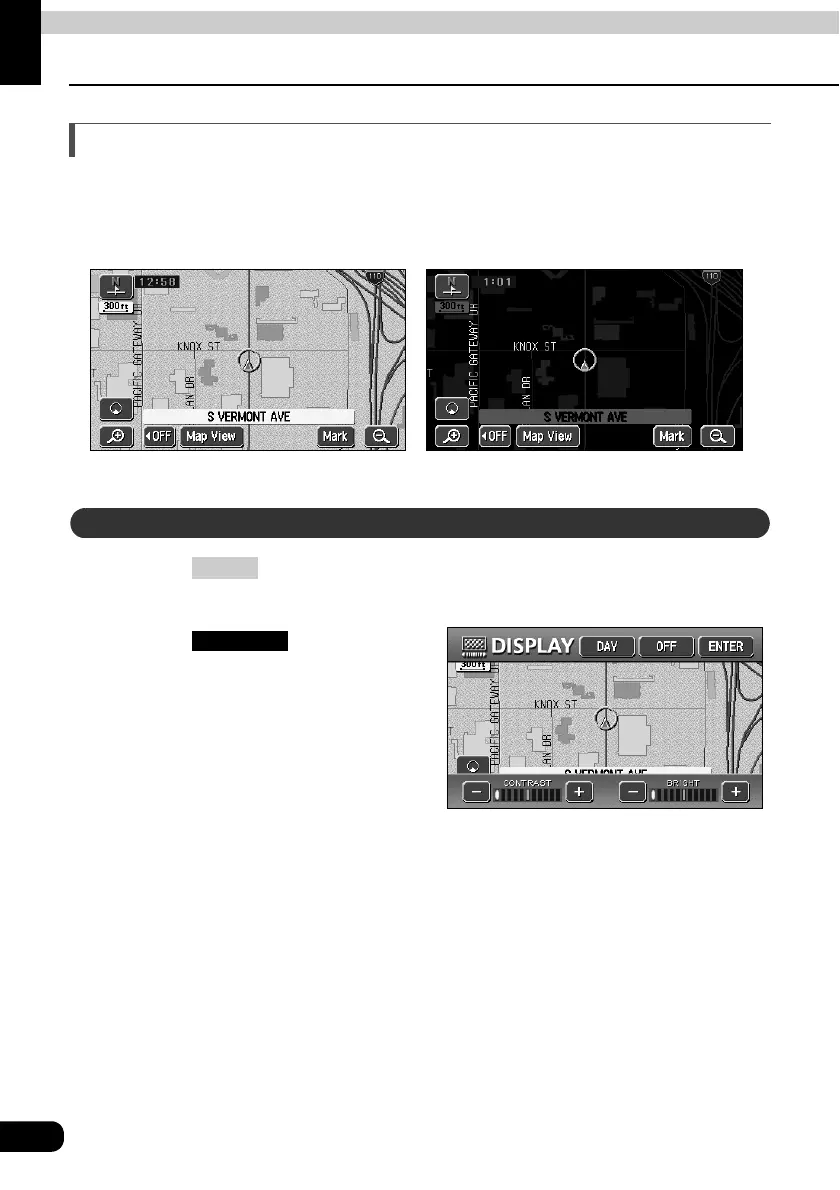
To make viewing easier, the display switches between day screen/night screen according to
whether the vehicle lights (parking lights, taillights, license plate lights) are on/off.
(Default status) ● Lights turned OFF ........daytime display
● Lights turned ON.......... nighttime display
Pressing while the Navigation screen is displayed causes the
screen to change to the image quality adjustment screen.
Pressing after
adjustment, or when more than
about 20 seconds without
operation, setting is completed
automatically and the previously
displayed screen is redisplayed.
● Nighttime display (when lights are turned ON)● Daytime display (when lights are turned OFF)
How to display the image quality adjustment screen
DISP
● Image quality adjustment screen
ENTER



 To Next Page