21
Basic
operation
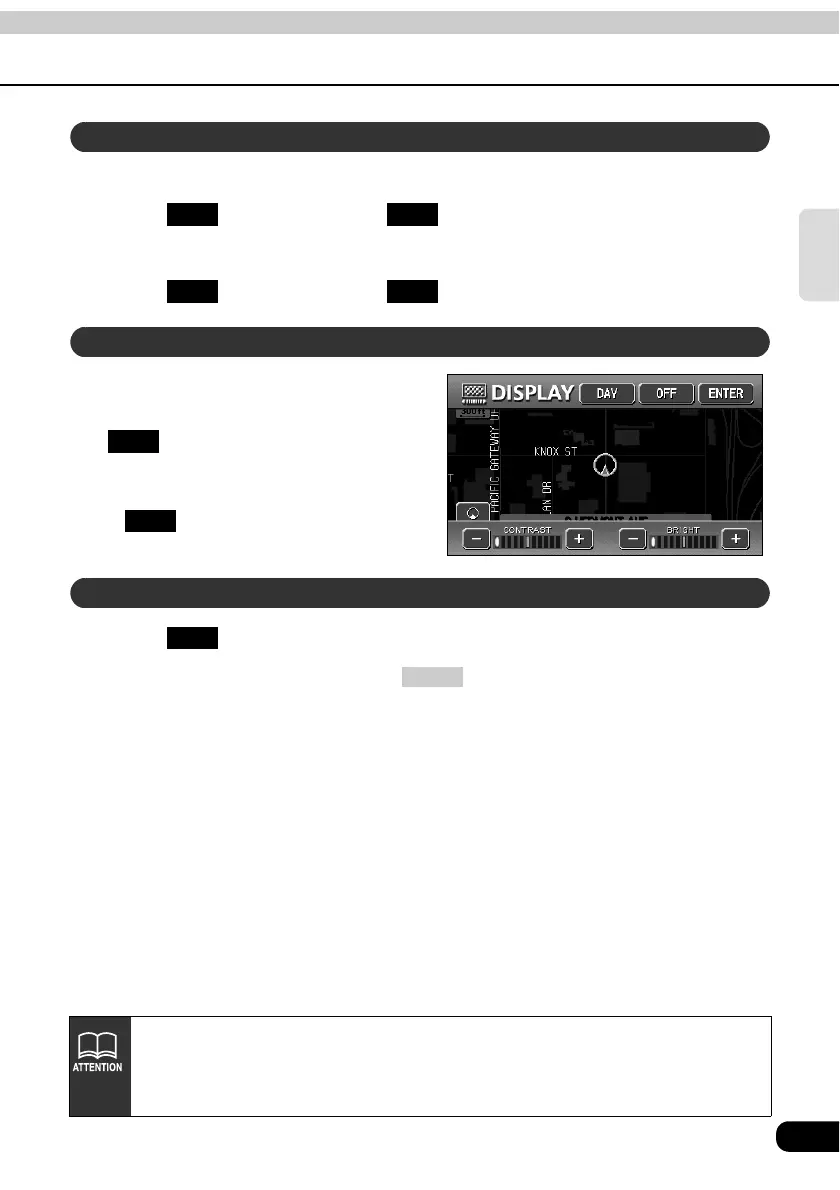
Contrast
Touch to increase, touch to decrease.
Bright
Touch to increase, touch to decrease.
The daytime display and nighttime
display will be switched each time
is pressed.
• When in daytime display, the touch
switch changes into bright color.
• is displayed when the lights are
ON.
Touch .
• To make the screen reappear, press .
Contrast/Bright
+ -
+ -
How to switch to daytime display when the lights are ON
DAY
DAY
How to turn the screen OFF
OFF
NAVI
• Even with the screen turned OFF, the GPS present location positioning continues
to function.
• The daytime display screen and nighttime display screen can be separately
adjusted.



 To Next Page