|22
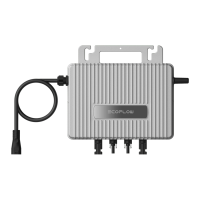
EcoFlow WN100
0
kwh
0
w
0.3
kw
0.3
kw
55%
0.2
kw 0.4 kw
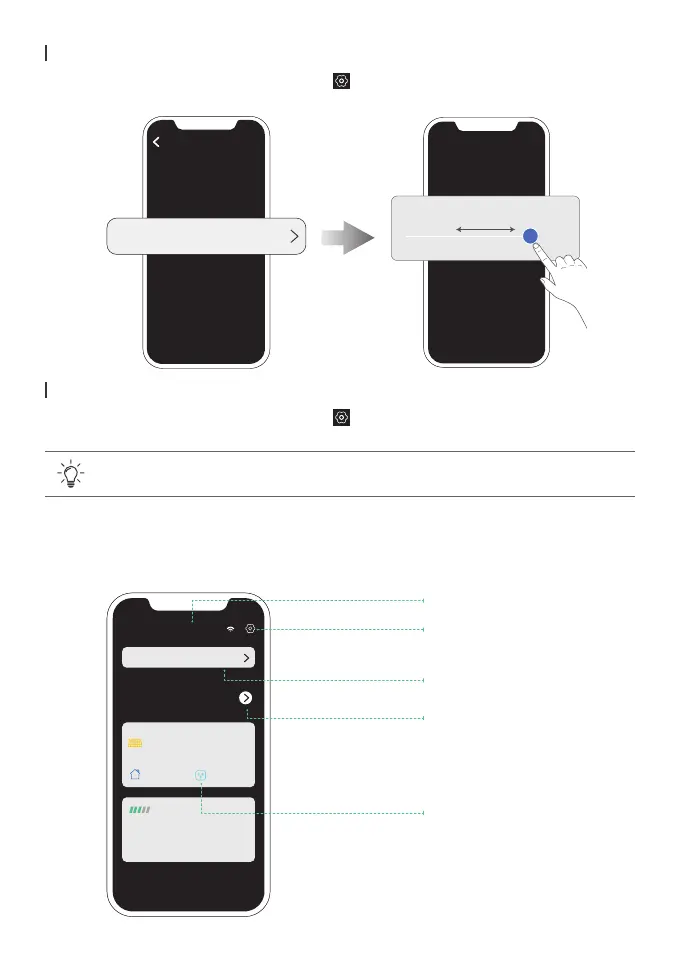
Name of your microinverter
Check cumulative power
generation and savings.
Tap ">" to view historical
data by data, week, month,
or year
Check real-time power
generation, storage and
supply
Tap to enter the "Setting"
page of your microinverter
Tap to enter the affiliated
system
System setting
AC output power demand
Power demand from other loads
800 W
/ 600W
0 W
Total generation
0
€
Total revenue
Affiliated system: PowerStream system
Current generation
Charging
Discharging
Other loads
Smart plugs
On the page of your PowerStream system, tap > "AC output power demand".
The AC output power demand = Power demand from other loads + Load power of smart plugs
Setting the AC output power demand
On the page of your PowerStream system, tap > "Firmware" to check the rmware version of
the microinverter and the smart plug to update the rmware.
Firmware update
• To update the microinverter separately, you can also update the rmware on the
"Setting" page of your microinverter.
In the list of your devices, tap the microinverter to go to the page of your microinverter.
Page of your microinverter


 To Next Page