25|
Error
code
LED
indicator
Name Suggestion
1 Red Device error
1. Unplug all cables connected to the PowerStream.
2. Wait for 30 seconds, and then plug in all the cables.
3. If the issue persists, contact customer service.
2 Red Device error
1. Unplug all cables connected to the PowerStream.
2. Wait for 30 seconds, and then plug in all the cables.
3. If the issue persists, contact customer service.
4 Red Device error
1. Unplug all cables connected to the PowerStream.
2. Wait for 30 seconds, and then plug in all the cables.
3. If the issue persists, contact customer service.
8 (Displayed in app) Grid error
1. Try pulling out the AC cable and inserting it back
again. Make sure that the plug is securely inserted.
2. If the issue persists, the power grid is probably
faulty. Wait for the power grid to recover.
3. If the issue persists for more than 1 hour, contact
customer service.
16 (Displayed in app) Grid error
1. Try pulling out the AC cable and inserting it back
again. Make sure that the plug is securely inserted.
2. If the issue persists, the power grid is probably
faulty. Wait for the power grid to recover.
3. If the issue persists for more than 1 hour, contact
customer service.
32 (Displayed in app) Grid error
1. Try pulling out the AC cable and inserting it back
again. Make sure that the plug is securely inserted.
2. If the issue persists, the power grid is probably
faulty. Wait for the power grid to recover.
3. If the issue persists for more than 1 hour, contact
customer service.
64 (Displayed in app) Grid error
1. Try pulling out the AC cable and inserting it back
again. Make sure that the plug is securely inserted.
2. If the issue persists, the power grid is probably
faulty. Wait for the power grid to recover.
3. If the issue persists for more than 1 hour, contact
customer service.
Troubleshooting
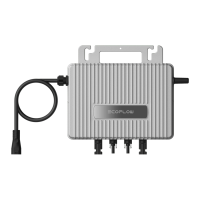
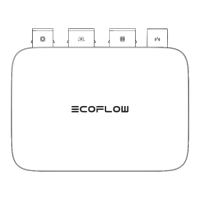
If the LED indicator turns yellow or red, warning or errors occur. Please follow the instructions in
the app or the table below to deal with the problem. If it is not eliminated, please contact the
customer service.
• Do not attempt to repair the microinverter.


 To Next Page