About This Manual
This user manual is applicable to the following products: RIVER 3, RIVER 3
(230), RIVER 3 (10 ms UPS).
The terms "RIVER 3", "RIVER 3 (230)" and "RIVER 3 (10 ms UPS)" in this
manual shall refer to EcoFlow RIVER series product.
Please note that this manual may be updated without prior notice. If you are
reading this manual in PDF format, please note that you can access it online
at EcoFlow Support for a better experience and the latest updates.
The illustrations in this manual use the US version of the product as
examples and references. Please refer to the actual product received.
The availability of certain accessories and features described in this manual
may vary depending on your country or region.
Overview
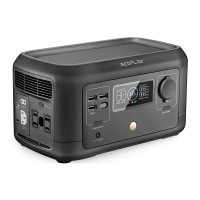
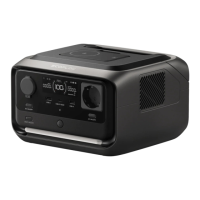
RIVER 3, RIVER 3 (230) and RIVER 3 (10 ms UPS) (hereinafter all referred to
as "the power station") are power stations with LiFePO₄ battery. They have
multiple outputs and charging options to meet your actual needs.
Appearance
Contents
About This Manual
Overview
Appearance
Display Screen
Get Started
Power On/Off
Power Your Appliances
Charge Your Power Station
Management
Download EcoFlow App
Bind Device and Set Up Internet
Control via Phone
Explore More
X-Boost: Powering High-Wattage
Appliances
Backup for Essential Devices
Storage and Maintenance
Safety Instructions and Compliances
Disclaimer
Safety Instructions
Regulatory Compliance
Appendix
What's in the Box
Accessories
Specifications

 Need help?
 General






 To Next Page