4. Maintenance
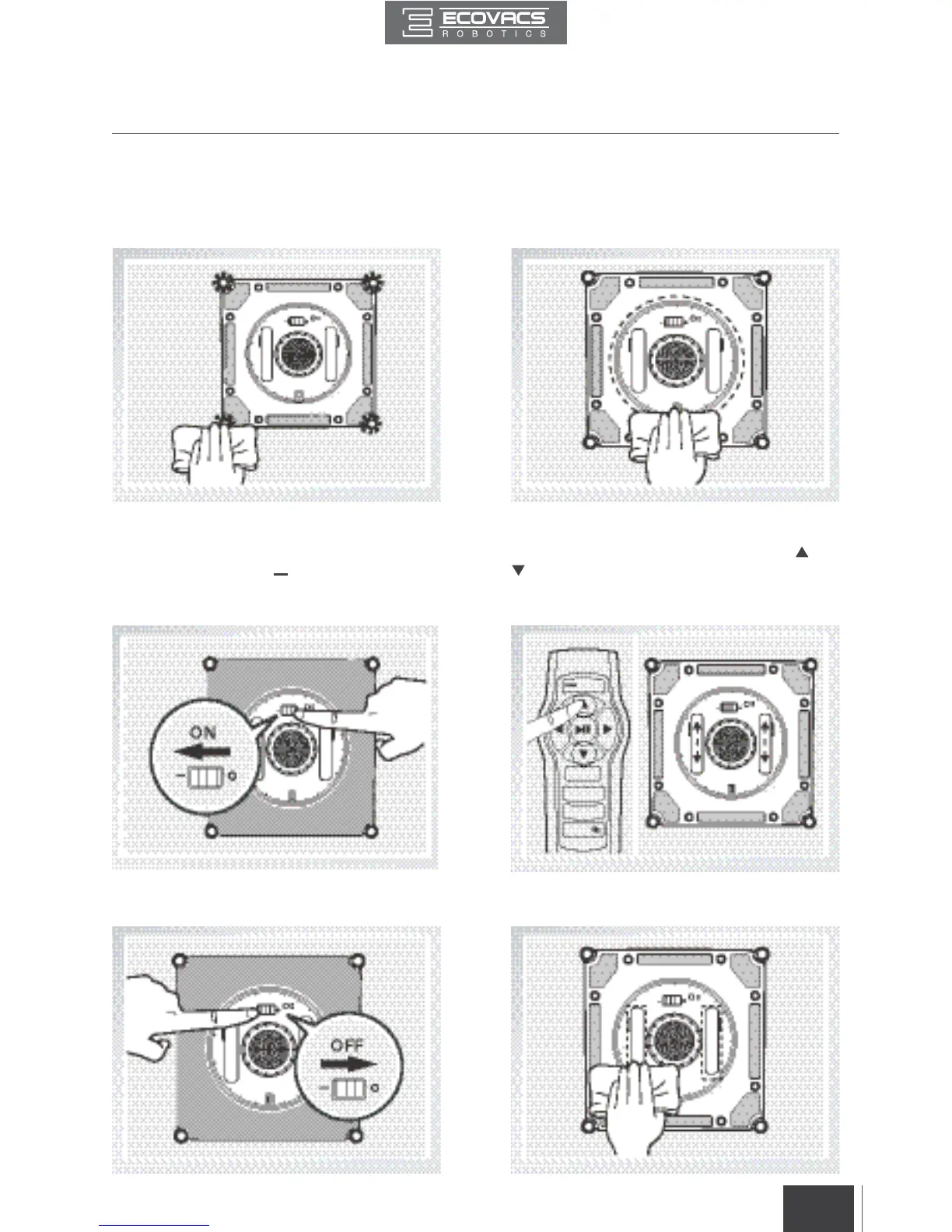
Edge Detection Sensors Squeegee
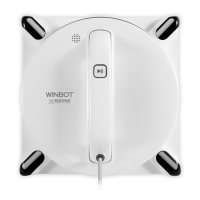
Turn WINBOT over and wipe the four Edge
Detection Sensors clean with the provided
Finishing Cloth to maintain their eectiveness.
Turn WINBOT over and wipe the Squeegee
with the provided Finishing Cloth to maintain its
eectiveness.
4.3 Driving Treads
Plug WINBOT in. Turn WINBOT over and move
the Power Switch to “ ” position. Press and
hold the START/PAUSE Button for 5 seconds
to stop the Fan.
Inspect the Driving Treads by using the and
buttons on the Remote Control. Stop the
Driving Treads if dirt is seen on the Treads.
Move the Power Switch to the “O” position. Clean any dirt on the Driving Treads with the
provided Finishing Cloth.







 To Next Page