42
Using BIOS
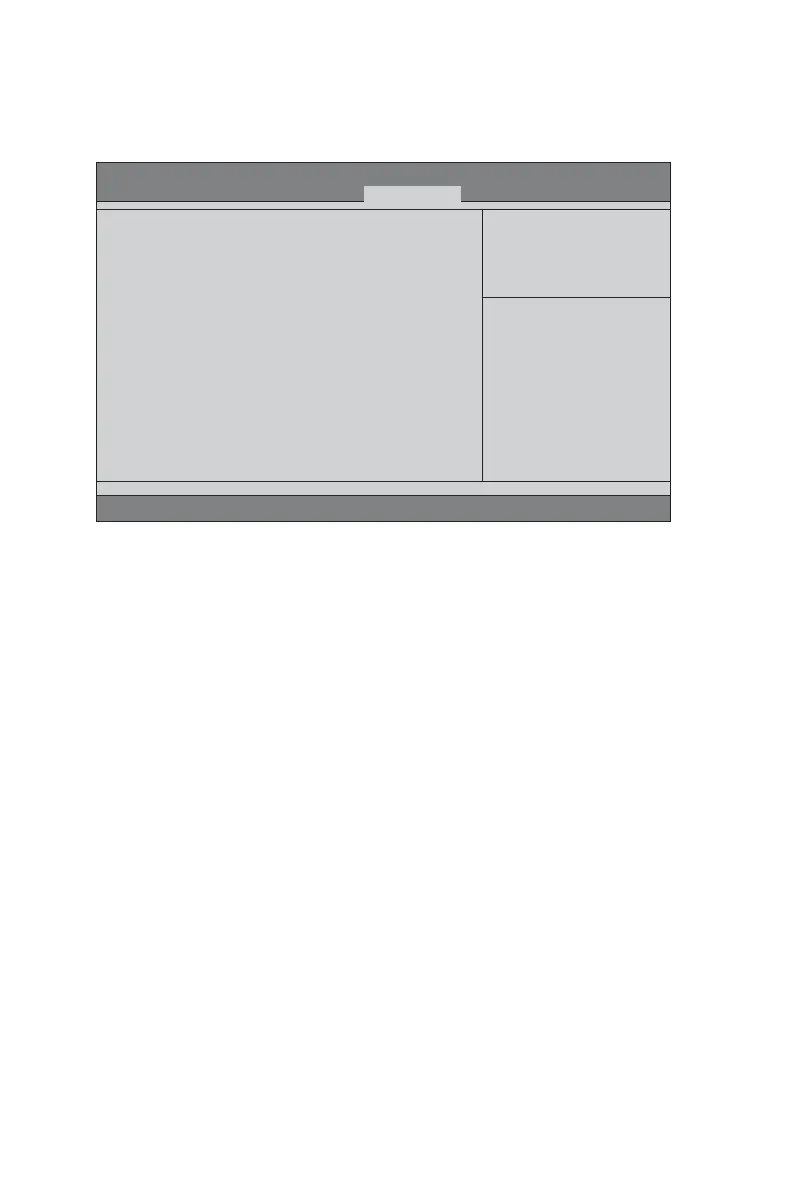
Boot Menu
Boot Priority Order
This item enables you to set boot priority order.
1st/2nd/3rd/4th/5th Boot Device
Use these items to determine the device order the computer uses to look for an
operating system to load at start-up time.
Boot Configuration
This item.
BIOS Setup Utility
Version 2.14.1219. Copyright (C) 2002-2012, Acer Inc.
Boot Priority Order.
Boot Priority Order
1st Boot Device [CD&DVD]
2nd Boot Device [Removable Device:ai...]
3rd Boot Device [Hard Disk : Hitachi...]
4th Boot Device [LAN]
5th Boot Device [EFI Device]
EFI Device Priority [Press Enter]
Hard Disk Drive Priority [Press Enter]
Optical Disk Drive priority [Press Enter]
Removable Device Priority [Press Enter]
Network Device Priority [Press Enter]
Quiet Boot [Enabled]
Halt On [All, but keyboard]
+/-/Spacebar : Change Opt.
Enter : Select
F7: Load User default Settings
:Move
F8: Save as User Default
Settings
F9: Load Default Settings
F10: Save & Exit Setup
ESC: Discard changes and Exit
Setup
Main Advanced Power Security Boot Options Exit
This page enables you to set the keyboard NumLock state.
EFI / Hard Disk / Optical Disk / Removable / Network Drive Priorities (Press
Enter)
These items enable you to specify the sequence of loading the operating system.
Press <Enter> to see the submenu.



 To Next Page