37
Using BIOS
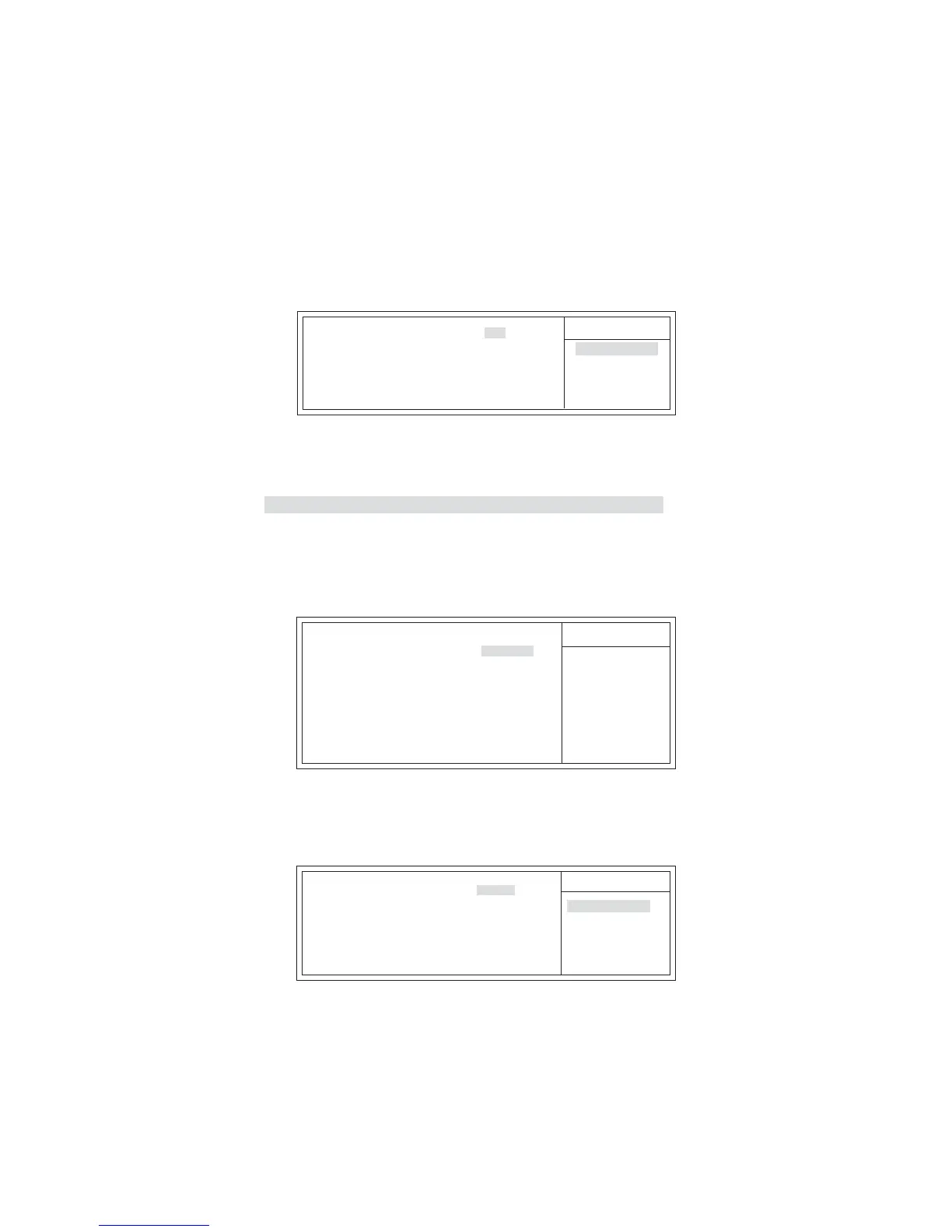
Init Display First (PCI)
Use this item to select which graphics controller to use as the primary boot devices.
Press <Esc> to return to the main menu setting page.
PCI/PnP Setup
This page sets up some parameters for devices installed on the PCI bus and those
utilizing the system plug and play capability.
Help Item
Init Display First
PCI
CMOS Setup Utility - Copyright (C) 1985-2007, American Megatrends, Inc.
PCI / PnP Setup
F10: Save ESC: Exit+/-/: Value
Enter : Select
F9: Optimized Defaults
F1:General Help
: Move
mnlk
PC Health Status
On motherboards support hardware monitoring, this item lets you monitor the
parameters for critical voltages, temperatures and fan speeds.
Help Item
CMOS Setup Utility - Copyright (C) 1985-2005, American Megatrends, Inc.
PC Health Status
f
F10: Save ESC: Exit+/-/: Value
Enter : Select
F9: Optimized Defaults
F1:General Help
: Move
mnlk
PCI-E
PCI
Options
Scroll to this item and press <Enter> to view the following screen:
CMOS Setup Utility - Copyright (C) 1985-2007, American Megatrends, Inc.
Smart Fan Function
Help Item
Smart Fan Function
f
Disabled
Enabled
Options
CPU SMART FAN Control Enabled
TargetTemp Value 060
Tolerance Value 03
StartUp Value 150
Stop Value 100
StopTime Value 060
F10: Save ESC: Exit+/-/: Value
Enter : Select
F9: Optimized Defaults
F1:General Help
: Move
mnlk
-=- System Hardware Monitor-=-
Smart Fan Function Press Enter
Shutdown Temperature Disabled
System Temperature : 31°C/87°F
CPU Temperature : 45°C/159°F
CPU Fan Speed : 5625 RPM
CPU Vcore : 1.256V
VDIMM : 1.952V


 To Next Page