Technical manual C1P2FXBT – V1.7 p 20/28
Automated devices time periods (and free
access)
You can set up to 32 time ranges over 8 days (Monday to Sunday plus public holidays) of 10
periods per day.
1) Select the range to be configured using the “+” and “-” scroll keys, then press “V” to confirm.
2) Configure your time range.
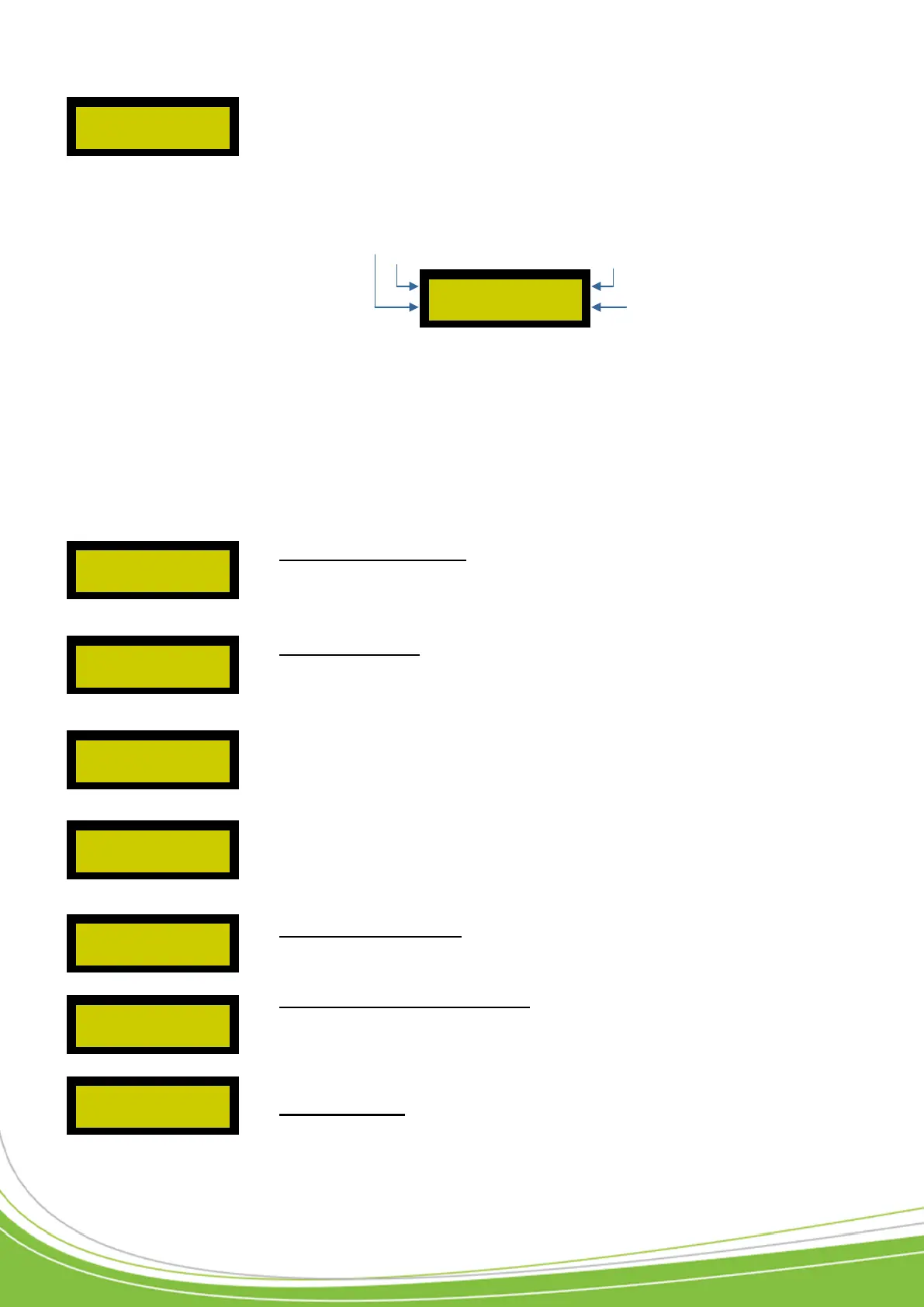
The display is as follows:
When the cursor flashes, this means that you have to choose the object to configure (Day /
Period number / Time / End of configuration). Scroll through the different objects using the “+”
and “-” keys then press “V” when you have chosen the object to be configured. The cursor then
becomes fixed.
3) Configure the times. Once the object “Time” (00:00 TO 00:00) has been selected, use the “<”
and “>” keys to determine the times, then press “V” to advance the cursor through the different
times.
4) End of configuration.
Position the flashing cursor on “OK” then confirm using the “V” key.
User access periods. You can set up to 64 time ranges
over 10 days (Monday to Sunday plus public holidays) of 10
periods per day for users.
The configuration is done in the same way as for the time ranges for the devices.
Public holidays. You can configure up to 32 renewable
periods (or not) on the control unit. To add a holiday or list
of specific days, proceed as follows:
Select a period, then “Modify”, confirming with the “V” key.
Scroll through the days, months and years and then press
“V” to confirm.
The following message then appears:
When you choose “ACTIVATED”, once the date has
passed, the holiday or period will automatically be renewed
for the following year.
To return a period to zero, select “ERASE” for the desired period and then confirm via the “V” key.
Configure site codes. Here you can configure up to 16 site
codes for the control unit. For this, scroll through the list,
confirm with the “V” key and then enter your site code.
Configure distributor codes. Here you can configure up
to 16 distributor codes for the control unit. For this, scroll
through the list, confirm with the “V” key and then enter
your distributor code.
Quit the menu. Allows you to quit the configuration menu.
FROM 01/01/00
TO 01/01/00
MONDAY (1)
00:00 TO 00:00 OK
Time period
Day of the week
Period number
End
of configuration


 To Next Page