Introduction
1-4
1
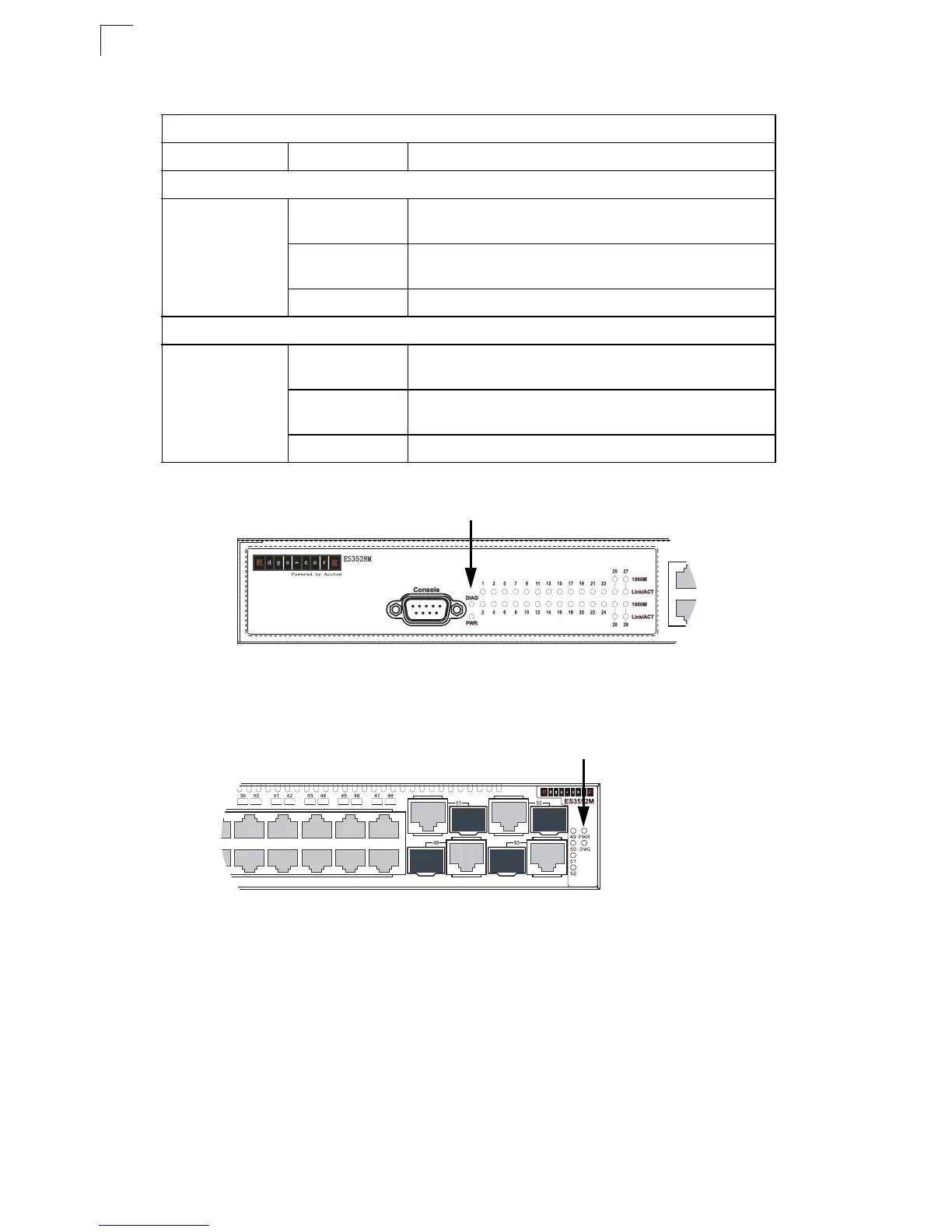
Figure 1-5. ES3528M System Status LED
Figure 1-6. ES3552M System Status LED
Table 1-2 ES3552M Port Status LEDs
LED Condition Status
RJ-45 Ports
Link/ACT
(Link/Activity)
On/Blinking
Green
The port has a valid 100 Mbps link. Blinking indicates
activity.
On/Blinking
Amber
The port has a valid 10 Mbps link. Blinking indicates
activity.
Off There is no valid link on the port.
Combination Gigabit Ports
Link/ACT/1000M
(Link/Activity/
1000M)
On/Blinking
Green
The port has a valid 1000 Mbps link. Blinking indicates
activity.
On/Blinking
Amber
The port has a valid 10/100 Mbps link. Blinking indicates
activity.
Off There is no valid link on the port.
System Status LEDs
System Status LEDs













 To Next Page