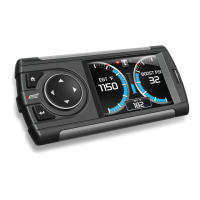
Evolution FORD 4.6 and 5.4 Liter
13
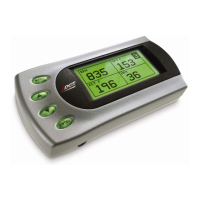
The other four boxes can show up to 4 PIDs (Parameter IDs) of your
vehicle. By default, they are your vehicle’s RPM, MPH, TFT
(transmission fluid temperature), and ECT (engine coolant
temperature). Optional parameters and display formats may be selected
in the Set Up/Changing Variables section of this manual.
7. From this display, press [MENU] to select and use other features of the
Evolution. The display backlight dimming can also be controlled from
this display by using the [UP] and [DOWN] arrow keys.
8. Pressing [ENTER] while viewing these 4 PIDs will bring up a message
asking if you would like to reset the average MPG (miles per gallon).
If you press [ENTER] again, the Evolution will erase all the past MPG
stored data which was in the Evolution and restart the averaging.
Power Programming
Caution: Vehicle manufacturers do not recommend vehicle programming in
extreme temperature. Please see the service manual of your vehicle to ensure
that programming is being done in accordance to the original equipment
manufacturers specifications.
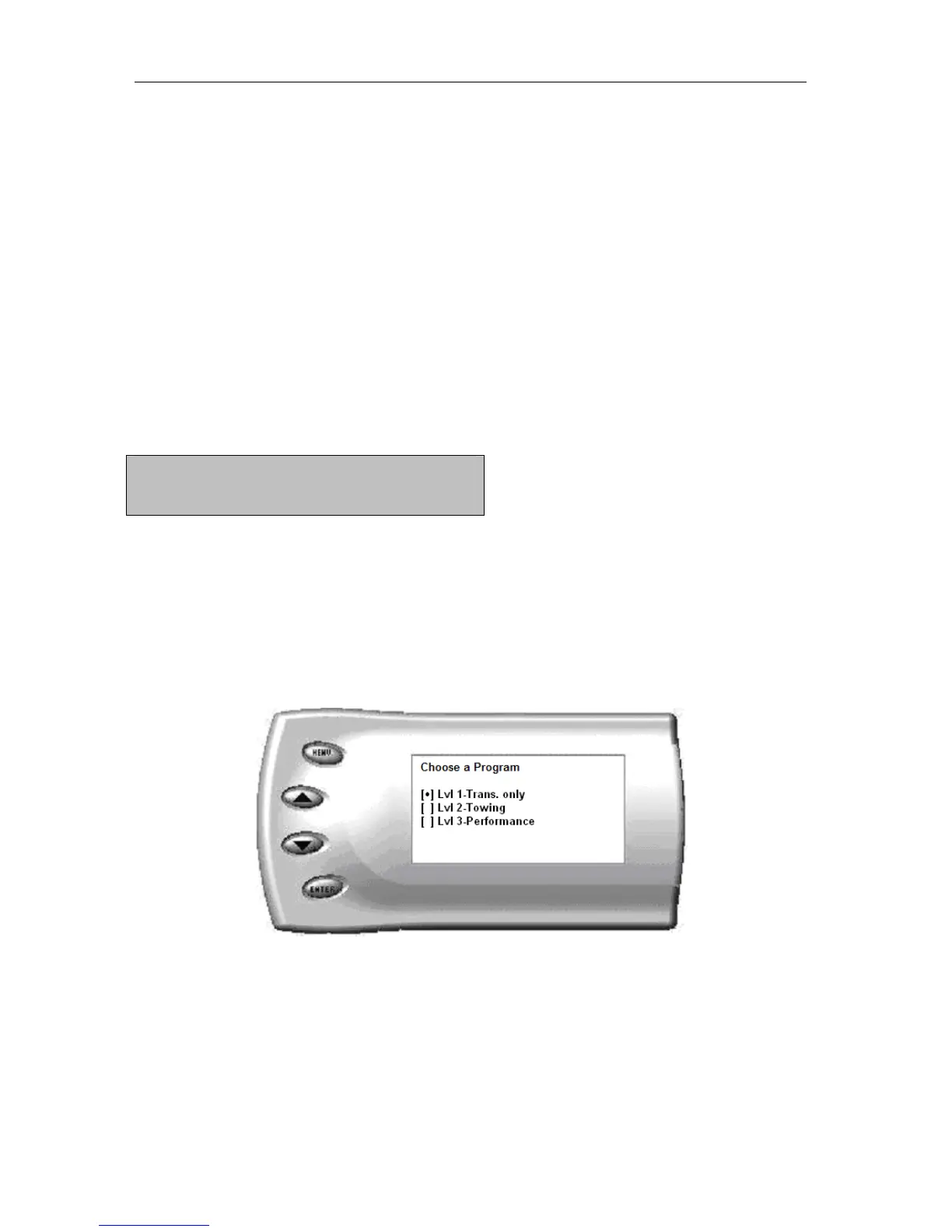
From the main screen, press [MENU] to enter the main menu. Then select
Power Programming. The following screen appears:
1. Select the level that best meets your needs. For more information
about each level, read the About the Evolution section in this manual.
Confirm your selection by pressing [ENTER] on the following screen.
After confirming, the screen below will appear:


 To Next Page